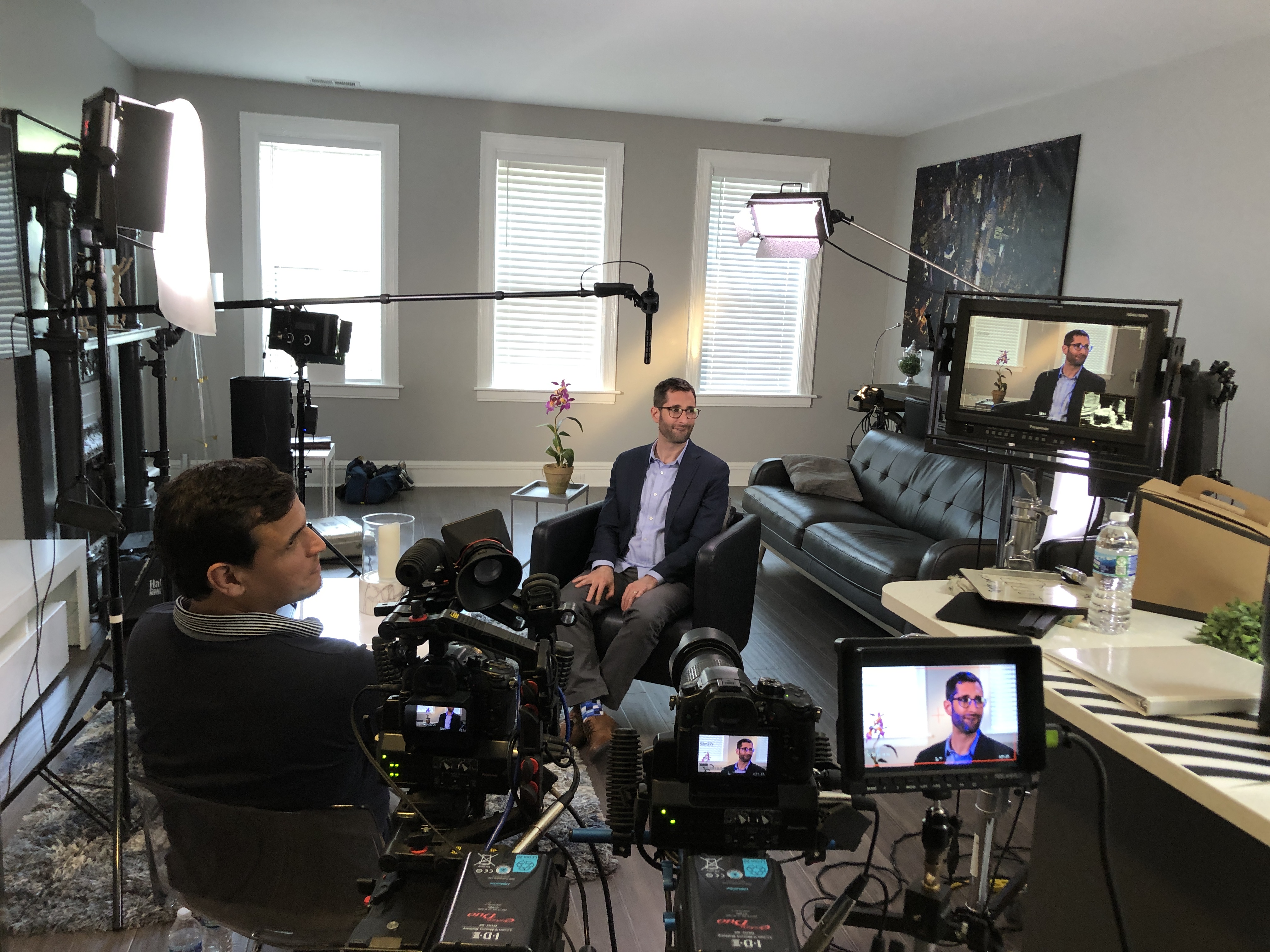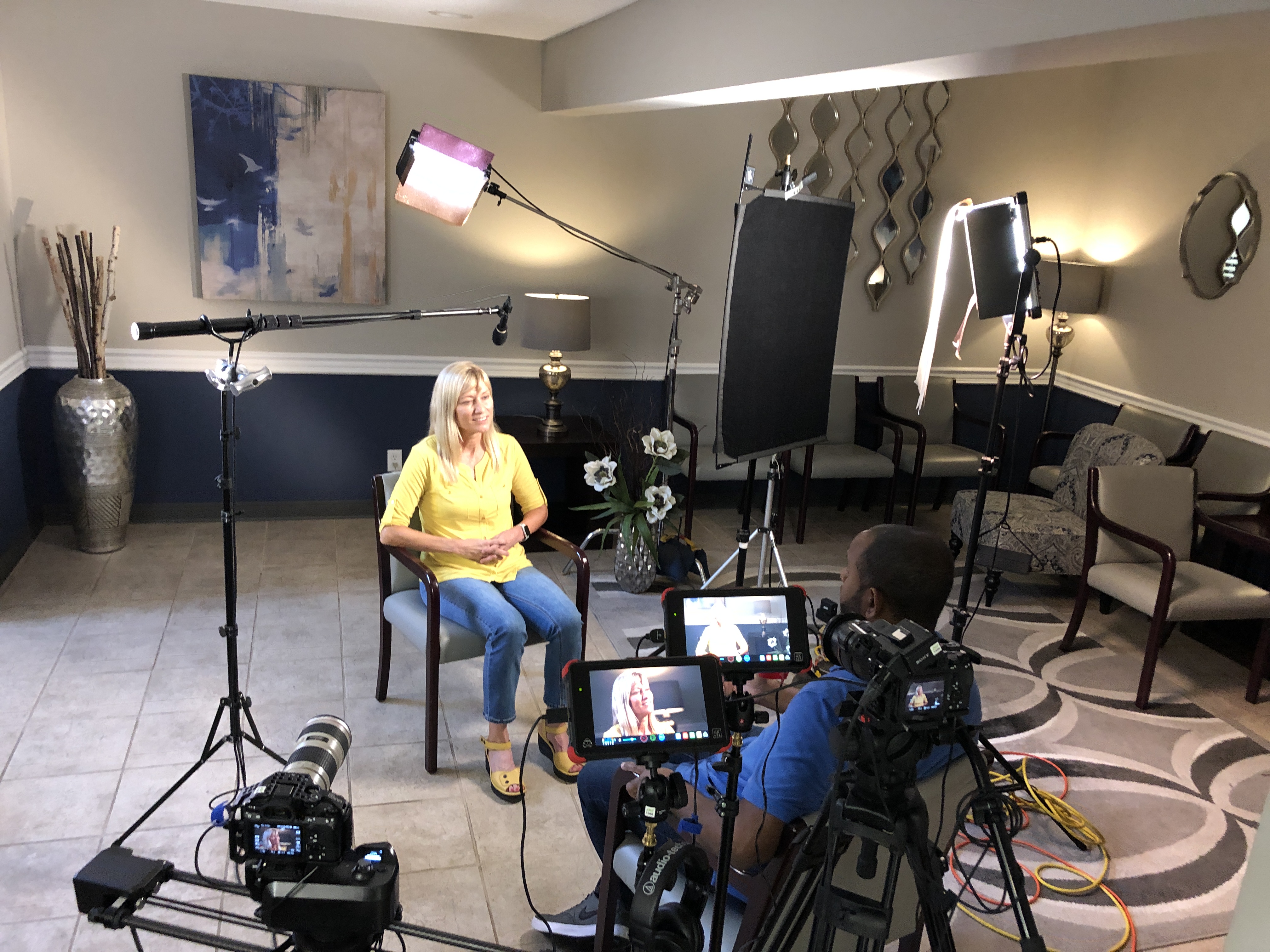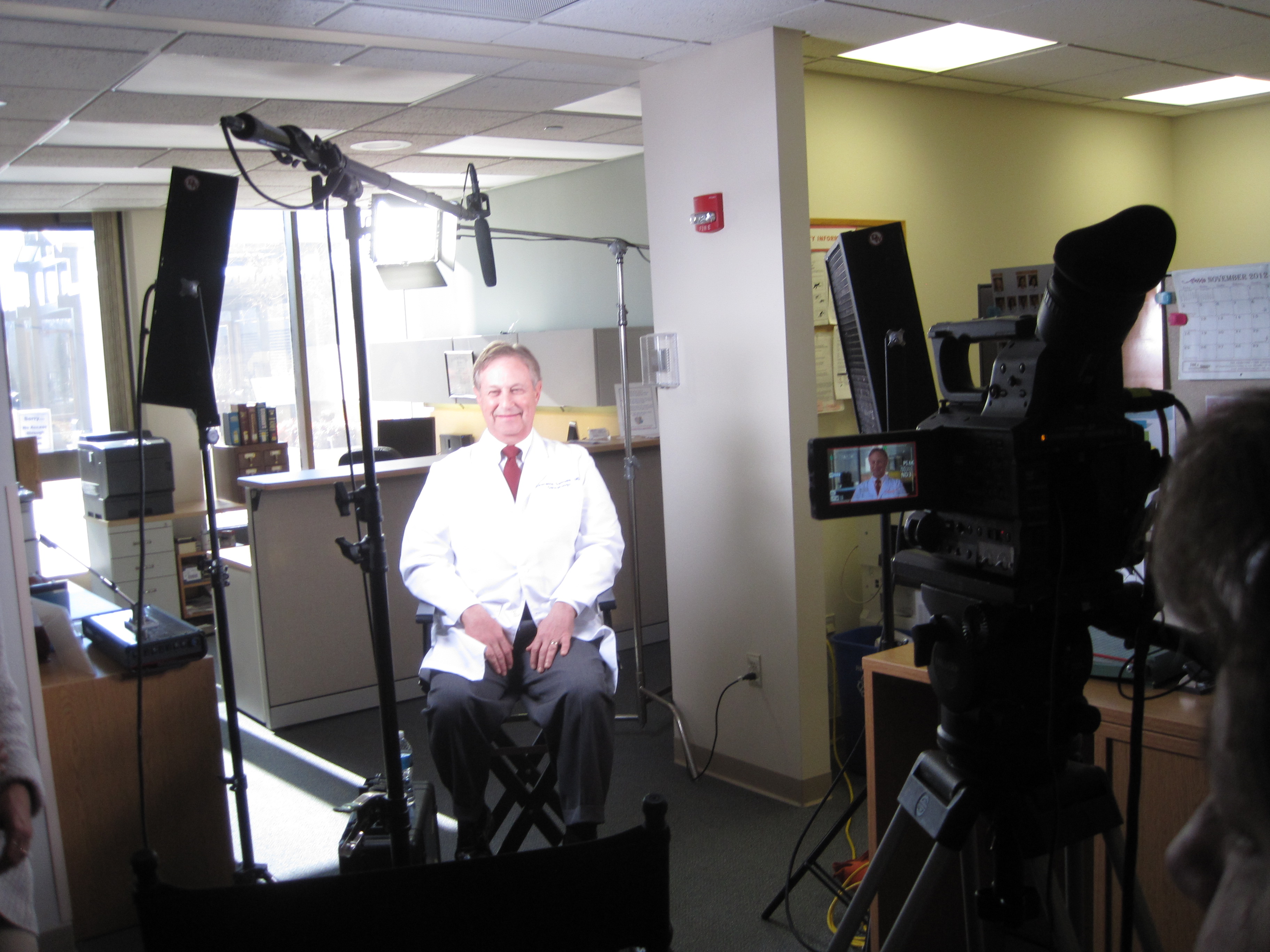
Get Great Customer Interview Videos: 40 Questions That Turn Praise into Proof

Customer interviews are one of the highest-leverage assets in your marketing mix. Done well, they accelerate deal cycles, arm sales with social proof, and de-risk decisions for skeptical buyers. Done poorly, they produce polite compliments that can’t be edited into anything persuasive. The difference isn’t luck—it’s structure: the way you prepare, the questions you ask, and how you sequence them.

Below is a field-tested playbook you can hand to your producer or internal team to capture candid, brand-safe interviews that convert.


The Proven Story Arc

Every interview should naturally walk through six beats:

  1. Who I am (credibility)
  2. What problem we had (stakes)
  3. Why we chose this vendor (differentiation)
  4. What the experience was like (trust in execution)
  5. What results we got (evidence)
  6. What I’d tell a peer (advocacy)

Your questions are simply prompts that help a real customer tell that story in their own words.


The 40-Question Bank

Use these as modular prompts. Ask one idea per question. After a strong answer, leave a beat of silence—people often add the best detail after the pause.

A) Establish Credibility (5)

  1. Please state your name, title, and what success looks like in your role.
  2. What does your organization do and whom do you serve?
  3. Which metrics are you directly responsible for (revenue, cost, quality, safety, time-to-value)?
  4. Where were you in your growth or change cycle when you engaged us?
  5. What made this initiative a priority right now?

B) Make the “Before” Real (7)

  1. What was happening before we worked together—what wasn’t working?
  2. What had you tried already, and why didn’t it stick?
  3. Who felt the pain the most (customers, staff, leadership), and how specifically?
  4. What risks were you carrying (brand, compliance, operational, financial)?
  5. What was the cost of doing nothing for another quarter?
  6. How urgent did this feel on a scale of 1–10—and why?
  7. If you could summarize the old state in one sentence, what would it be?

C) Why You Chose Us (6)

  1. What criteria were on your shortlist when you evaluated partners?
  2. Which alternatives did you compare, and what tipped the decision?
  3. What concerns or objections did you have, and how were they addressed?
  4. What did our proposal or discovery process reveal that others missed?
  5. How did our approach reduce risk for you or your team?
  6. In one line: the deciding factor was ___.

D) Experience & Execution (8)

  1. What was kickoff like from your side—clear next steps, owners, timelines?
  2. Describe our communication style (cadence, transparency, escalation).
  3. Tell me about a curveball and how the team handled it.
  4. Where did we save you time, budget, or internal coordination?
  5. How did the on-site production feel for your people (minimal disruption, safety, approvals)?
  6. What quality controls did you notice (sound, lighting, continuity, compliance)?
  7. What, if anything, surprised you—in a good way?
  8. If you were advising a peer, how should they prepare to get the most value?

E) Outcomes & Evidence (8)

  1. What changed first—what early win told you this was working?
  2. Can you quantify results (conversion, leads, cycle time, training completion, incident rate, NPS, brand lift)?
  3. Which impact mattered most to leadership—and why?
  4. What did your customers or end users notice?
  5. How does this compare to previous vendors or internal attempts?
  6. What outcome alone would have justified the investment?
  7. If this solution disappeared tomorrow, what would break?
  8. What’s the headline you’d put on this case study?

F) Advocacy & Future (6)

  1. What would you tell a CFO who’s skeptical about ROI?
  2. What would you tell a compliance or legal lead about risk management?
  3. Would you recommend us to a peer—why?
  4. What should a new client know on day one?
  5. Where do you want to take this next (expansion, more teams, more use cases)?
  6. Finish this: “Working with St Louis Video Production Crews is like ___.”

Sequencing That Protects Energy and Truth

  • Start easy. Open with roles and goals before discussing pain and risk.
  • Raise the stakes intentionally. Move from the “before” to decision drivers, then execution, then outcomes.
  • Harvest soundbites last. After trust builds, ask for concise, repeatable lines for captions and thumbnails.

On-Camera Coaching (Without Scripted Answers)

  • Answer with context. “Before we partnered with St Louis Video Production Crews, we…”
  • Plain language. No acronyms without translation; subtitles need to stand alone.
  • Present tense for energy. “This reduces errors by…”
  • Eyes and posture. Shoulders down, chin level, breathe; a neutral stance reads as confident.
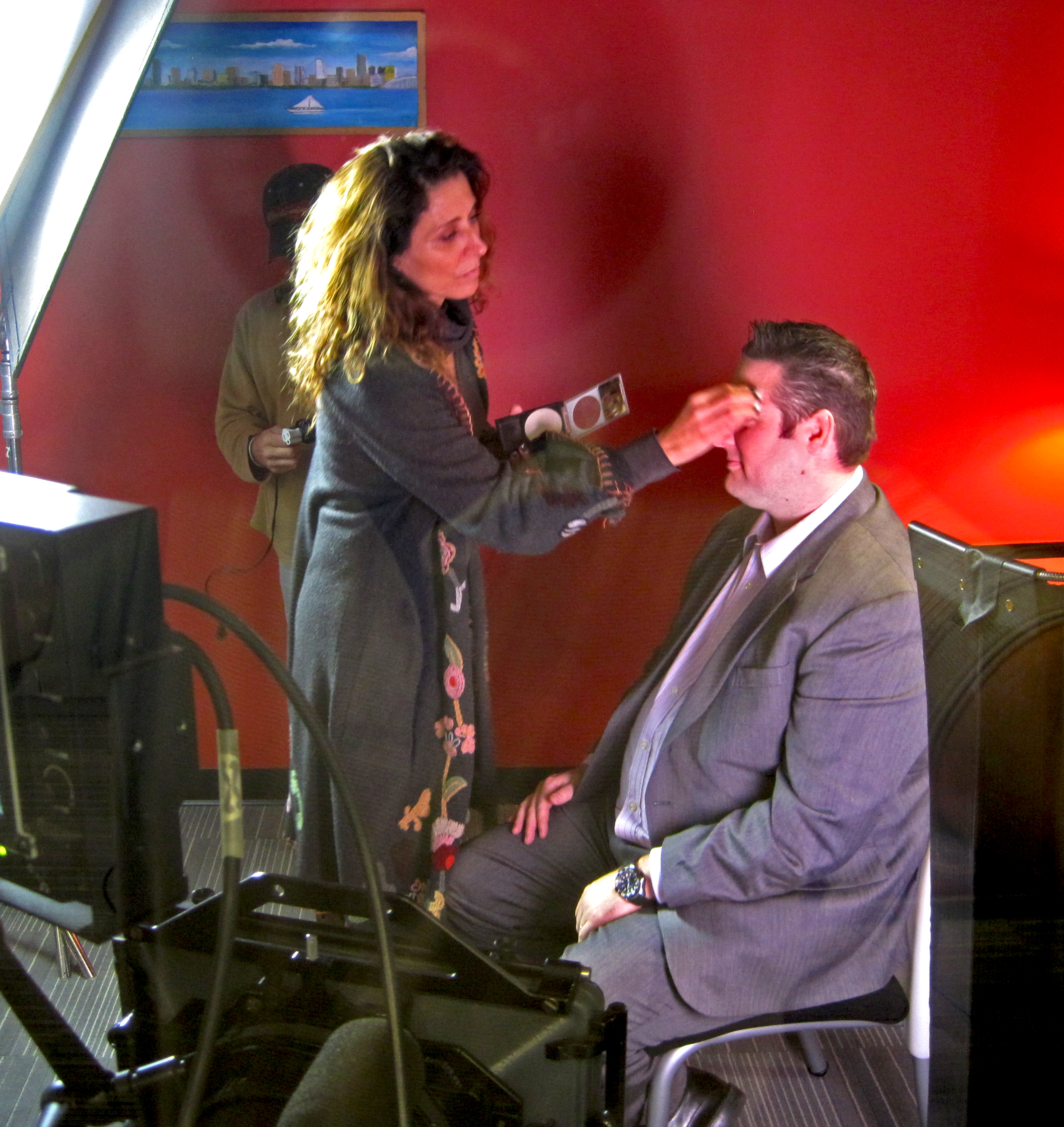
  • Wardrobe guidance. Avoid tight patterns or loud branding you can’t clear; bring a backup.

Production Notes That Elevate Perceived Quality

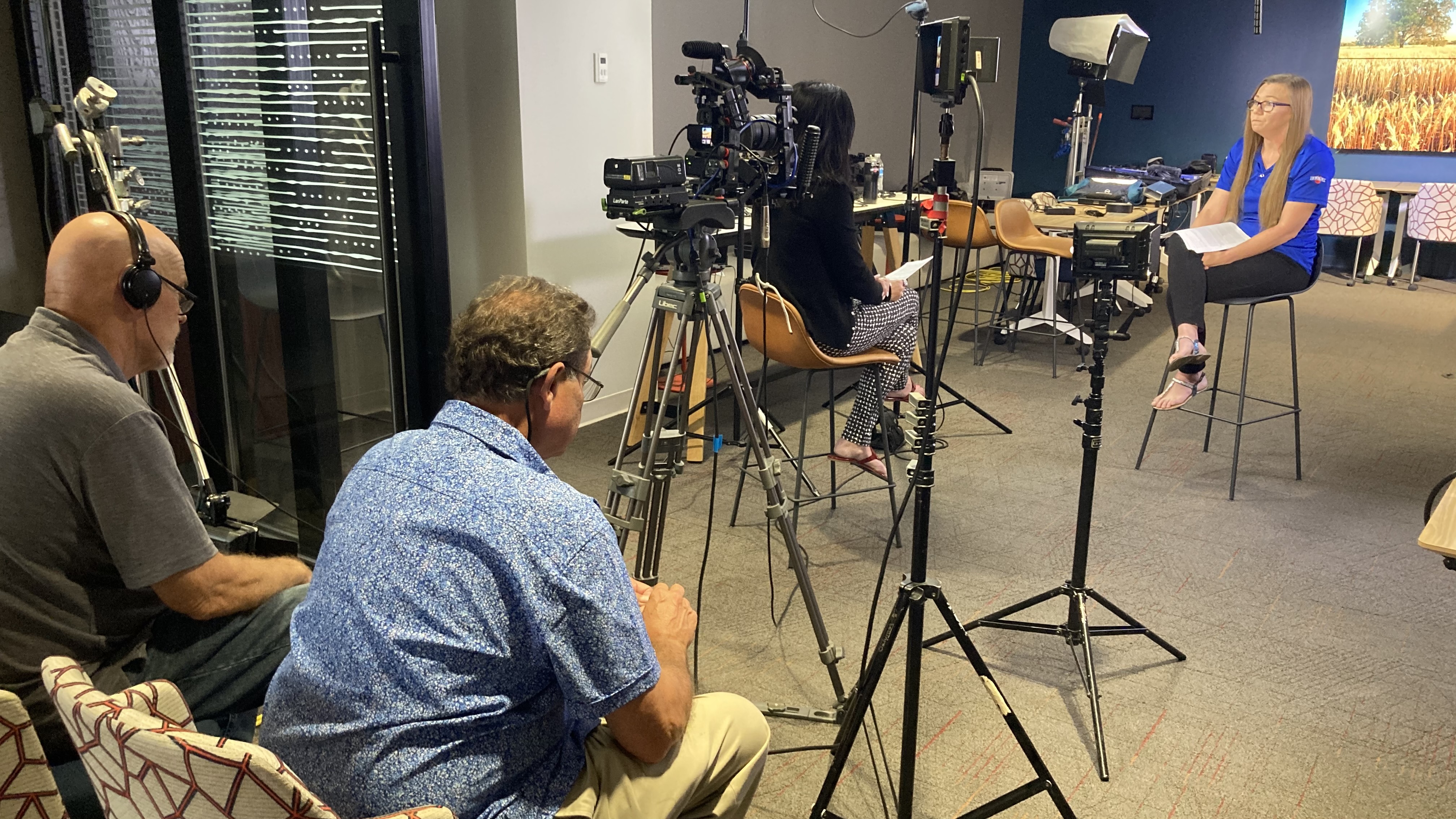
  • Audio is non-negotiable. Dual-system sound (lav + boom), check levels every setup, capture room tone.
  • Lighting that flatters. Key/fill/rim for separation; add negative fill to sculpt; let practicals glow in the background for depth.
  • Backgrounds with meaning. Choose environments that say something about the work; remove distracting logos you can’t clear.
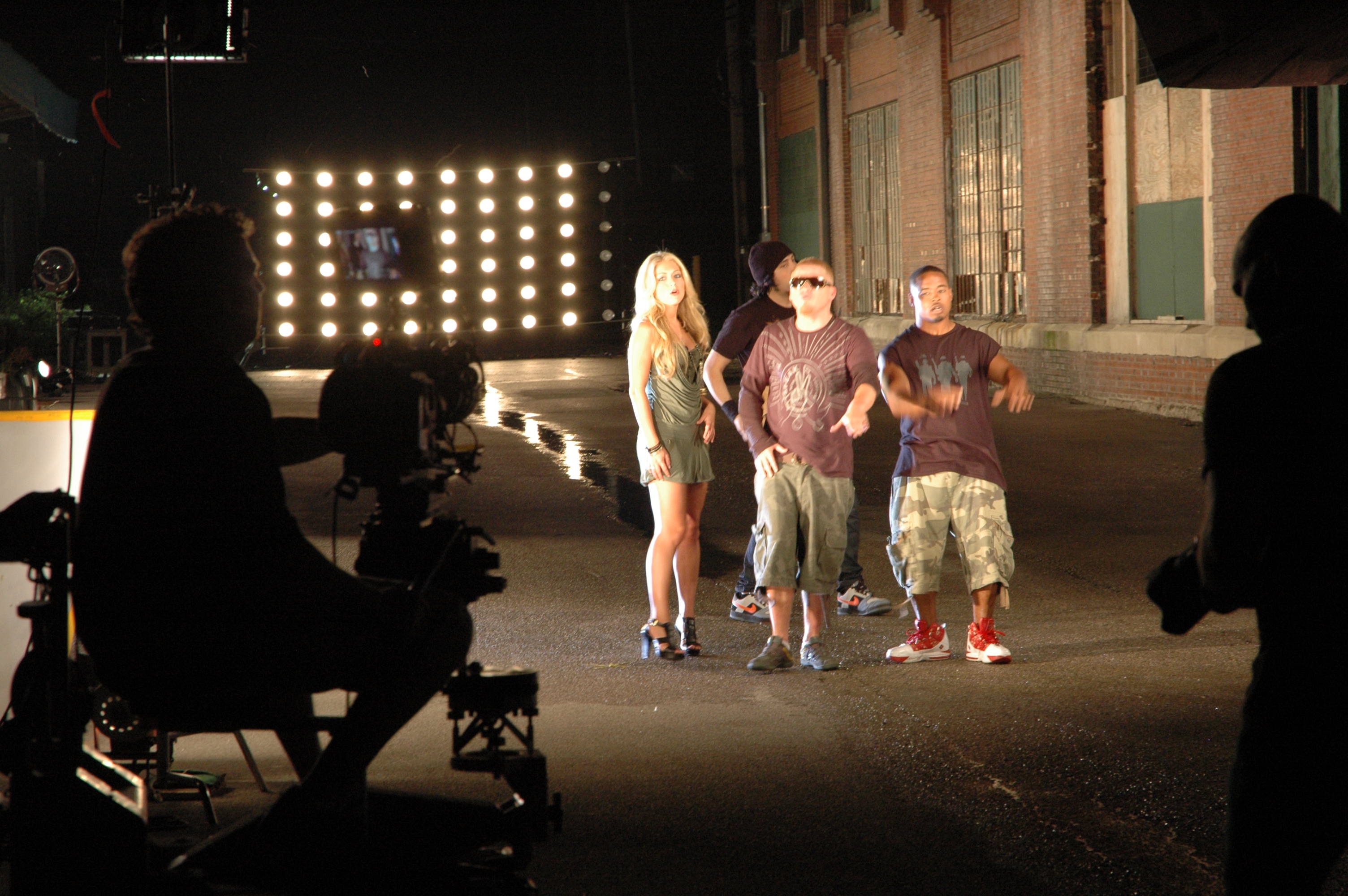
  • Motion for context. Use dolly moves or—when appropriate—fly specialized drones indoors to create dynamic establishing shots safely.
  • B-roll in layers. Wide (environment), medium (process), tight (hands, screens, details), reaction (faces).
  • Continuity notes. Keep a quick log for pull-quotes and cutaway matches.

AI-Accelerated Post (Speed Without Spin)

Use AI to remove friction—not authenticity:

  • Transcription & paper edits to build a tight narrative fast.
  • Smart cleanup (silences, filler words, gentle noise reduction) to preserve voice.
  • Brand-matched captions & color for accessibility and consistency.
  • Cutdown automation to output 15/30/60/120-second versions and square/vertical crops.
  • Provenance & permissions. Maintain releases, usage rights, and change logs; disclose any generative elements when used (e.g., background extensions).

Distribution: Make the Asset Do Real Work

  • Website: Place on product/pricing pages and case-study hubs; include text transcript for SEO.
  • Sales enablement: Deliver a version with burned-in captions and a time-coded summary of key claims.
  • Lifecycle marketing: Slot 30–45 second cuts into nurture streams and renewal campaigns.
  • Paid & social: Hook in the first 2–3 seconds; strong thumbnail with a quote; end card with single CTA.
  • Events & PR: 10–15 second punch quotes for booths, analyst briefings, award entries.
  • Measure: Track plays, completion, assisted conversions, meeting-set rate, and influenced pipeline; refresh annually or at KPI plateau.

Compliance, Legal, and Brand Safety

  • Collect appearance releases for every person on camera; confirm location permissions.
  • Clear or remove third-party marks, dashboards, and confidential content.
  • Use licensed music/fonts; maintain cue sheets.
  • For regulated industries, align scripts and final cuts with compliance review; keep audit trails.

Field Templates

Interviewee Brief (send 48–72 hours prior)

  • Purpose of interview and audience
  • What success looks like (1–2 outcomes)
  • Wardrobe & grooming tips
  • Location, timing, parking/security
  • What to expect on set (lav mic, approximate time, who’s present)
  • Releases attached for e-signature

Producer’s Run-of-Show (45–60 minutes)

  • 10 min: greet, releases, mic, room tone
  • 20 min: sections A–C (credibility → decision drivers)
  • 15 min: sections D–E (execution → outcomes)
  • 5 min: sections F + soundbites
  • 10–20 min: layered b-roll capture on site

Deliverables Menu

  • 1× master (2–4 min), 1× captioned version
  • 3–5× cutdowns (15/30/60/120 sec), vertical + square crops
  • Thumbnail kit (3 options with quote overlays)
  • Transcript (cleaned) + key claims with timestamps
  • Still frames for web and sales decks

Quick Checklist (printable)

  • Story arc drafted and approved
  • Interviewee briefed; wardrobe/location set
  • Question set tailored to role and industry
  • Releases signed; compliance path confirmed
  • Dual-system audio; lighting plan; continuity log
  • B-roll shot list completed
  • AI-assisted captions, color, QC pass
  • Cutdowns and aspect ratios delivered
  • Distribution plan with KPIs in place

About St Louis Video Production Crews

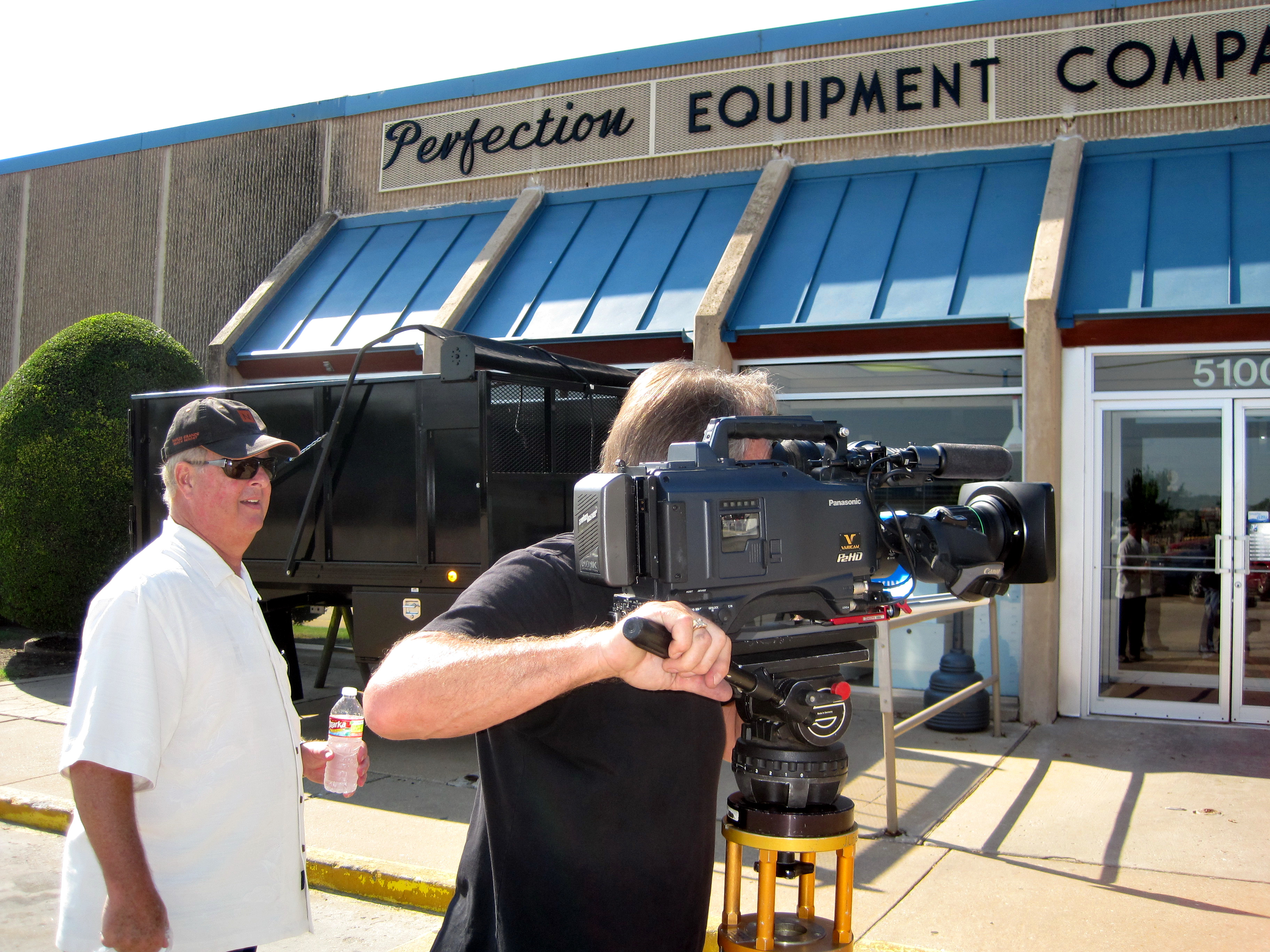
St Louis Video Production Crews is a full-service professional commercial photography and video production company with the right equipment and creative crew service experience for successful image acquisition. We offer full-service studio and location video and photography, as well as editing, post-production and licensed drone pilots. St Louis Video Production Crews can customize your productions for diverse types of media requirements. Repurposing your photography and video branding to gain more traction is another specialty. We are well-versed in all file types and styles of media and accompanying software. We use the latest in Artificial Intelligence for all our media services. Our private studio lighting and visual setup is perfect for small productions and interview scenes, and our studio is large enough to incorporate props to round out your set. We support every aspect of your production—from setting up a private, custom interview studio to supplying professional sound and camera operators, as well as providing the right equipment—ensuring your next video production is seamless and successful. We can fly our specialized drones indoors. As a full-service video and photography production corporation, since 1982, St Louis Video Production Crews has worked with many businesses, marketing firms and creative agencies in the St. Louis area for their marketing photography and video. If you’re ready to turn customer conversations into measurable proof, we’re ready to roll.

videocrewsstlouis@gmail.com

314-913-5626

Budget-Smart, Brand-Savvy: Cost-Effective Tips for Filming Customer Testimonials Without Cutting Corners

In a competitive marketing landscape, authentic customer testimonials remain one of the most powerful tools for building trust and converting prospects. But producing these videos doesn’t have to strain your budget to be effective. At St Louis Video Production Crews, we’ve helped businesses of all sizes film compelling testimonials that look high-end while staying cost-conscious. If you’re a decision-maker looking to stretch your marketing dollars without sacrificing quality, here are several expert strategies to consider.


1. Choose a Location You Already Own

Skip the location rental fees. Your office, showroom, or even a well-lit conference room can become a professional backdrop with the right lighting and framing. Our team has extensive experience transforming everyday spaces into polished sets using private studio-style lighting setups, even on-site.


2. Schedule Multiple Testimonials in One Session

If you plan to feature more than one customer or team member, group them into a single shoot day. By batching interviews, you cut down on travel, setup, and breakdown costs. We’re pros at organizing efficient shoot schedules, keeping production flowing smoothly to maximize your investment.


3. Use Natural Light Strategically

Shooting during daylight hours can help reduce the need for extensive lighting setups, particularly for interviews near large windows. However, too much sunlight can create shadows or blowouts. Our experienced videographers balance natural light with controlled lighting for a clean, professional look that’s both budget- and brand-friendly.


4. Focus on Audio Quality

Even with a modest video setup, poor audio will ruin credibility. Invest in clean, crisp sound with lavalier mics or boom mics—tools that we include in every shoot package. We also supply professional sound operators to ensure every word is captured clearly, which reduces the need for costly re-recordings or fixes in post.


5. Keep It Simple With B-Roll

Enhance your testimonial with relevant b-roll footage that adds visual interest. Rather than filming entirely new scenes, we often repurpose existing footage or capture quick b-roll of your workspace, products, or service interactions during the same shoot. This dual-purpose approach adds depth without additional costs.


6. Pre-Plan the Questions and Flow

The more prepared your interviewee is, the smoother the session. We help clients craft concise questions and an outline to reduce shoot time and editing complexity. For budget-conscious projects, this kind of planning reduces reshoots and minimizes costly post-production hours.


7. Leverage Editing to Tell the Strongest Story

You don’t need a 10-minute testimonial. Often, a 60–90 second tightly edited video delivers more impact. We specialize in crafting bite-sized, emotion-driven edits from longer interviews, making your testimonial more shareable and digestible—without the cost of additional filming.


8. Repurpose Testimonial Content Across Channels

A smart way to boost ROI is to design content that serves multiple platforms—your website, social media, internal presentations, and more. At St Louis Video Production Crews, we customize deliverables in different aspect ratios and file formats so your testimonial works hard everywhere your brand lives.


Why Work With St Louis Video Production Crews?

With decades of experience since 1982, St Louis Video Production Crews is a full-service commercial photography and video production company trusted by businesses, marketing firms, and agencies across the St. Louis region. Whether you’re filming in-studio or on location, we provide the professional crew, the right equipment, and creative direction to execute your testimonial vision seamlessly.

We offer:

  • Studio and location shooting
  • Interview staging and lighting
  • Post-production and editing
  • Licensed drone pilots (yes, we can fly drones indoors)
  • Custom solutions for all file types and media styles
  • AI-enhanced editing workflows
  • A private studio space that accommodates props and customized setups

We’re not just videographers—we’re creative partners invested in your success. Our team repurposes your content to make every frame count and ensures your testimonial project builds trust, boosts credibility, and drives results—all within your budget.

Ready to create impactful testimonials without overspending?
Contact St Louis Video Production Crews today to discuss your next testimonial project.

314-913-5626
Mike Haller, St Louis Video Crew Captain

videocrewsstlouis@gmail.com

How to Plan B-Roll for Powerful Video Interviews: A Complete Guide for Business Video Production

When it comes to creating impactful corporate videos, few elements are as crucial as B-roll. This supplementary footage is key to adding depth, engagement, and a polished look to any video interview. B-roll helps to reinforce your message, offer visual variety, and keep your audience interested. However, planning and capturing B-roll effectively requires thought, strategy, and a creative approach. As an experienced videographer and photographer with St. Louis Video Production Crews, I’ve seen firsthand how vital B-roll is in transforming good interviews into great ones. Below, I’ll walk you through the process of planning and capturing B-roll for powerful video interviews.

For a professional look, also consider camera movements like panning, tilting, or zooming. These movements add an extra layer of engagement and dynamism to your video.

What is B-Roll and Why Does It Matter?

B-roll refers to supplemental footage that intercuts with your primary footage (A-roll), such as video interviews. It’s used to illustrate, support, or enhance what’s being discussed. Whether it’s close-ups of hands working on a project, wide shots of an office space, or reactions from people interacting in a meeting, B-roll adds a dynamic quality to your video.

Without B-roll, your interview footage would appear flat, monotonous, and lackluster. Adding B-roll enables you to:

  • Visually emphasize key points: For example, if your interviewee is talking about company growth, you can show footage of bustling office spaces or product development.
  • Create a more engaging viewing experience: By alternating between the speaker and relevant B-roll, the video will hold the audience’s attention more effectively.
  • Build a cohesive narrative: B-roll can show your company’s work environment, team dynamics, or client interactions, giving your audience a richer understanding of the story you’re telling.

Step-by-Step Guide to Planning B-Roll for Video Interviews

  1. Identify Key Points in the Interview

Start by carefully reviewing the interview questions and the answers given by your subject. Pinpoint important moments, such as stories, statistics, or insights that need visual support. These are the moments where B-roll footage will have the most impact. For example, if the interviewee discusses the company’s innovative technology, B-roll showing the product in use or shots of team members brainstorming would be ideal.

  1. Determine the Visuals That Support Your Message

Consider how you can visually represent the key points in the interview. Does the subject mention a new product launch? Capture footage of the product in use. If they mention team collaboration, you could film employees in meetings or working together on projects. You’ll also want to think about incorporating your company’s branding elements, including logos, signage, or product visuals, as these can reinforce your brand’s presence in the video.

  1. Choose the Right Locations for B-Roll

The setting of your B-roll is just as important as the footage itself. The location should align with the message of the interview, adding authenticity and value to the narrative. For example:

  • Office spaces: Capture your team working, collaborating, or interacting with clients.
  • Factory or workshop settings: If you’re talking about manufacturing or product development, filming your production process is essential.
  • On-site at events or conferences: If your business is engaged in public-facing events, showing these settings will add excitement and energy to your video.
  1. Coordinate Camera Angles and Movement

B-roll footage should provide a variety of shots. This could mean varying the camera angle, such as wide shots, close-ups, over-the-shoulder shots, and tracking shots. For a professional look, also consider camera movements like panning, tilting, or zooming. These movements add an extra layer of engagement and dynamism to your video.

  1. Plan Your Lighting and Composition

Lighting plays a crucial role in making your B-roll footage look professional. Good lighting highlights important details, enhances the mood, and creates a consistent look across shots. Depending on your location, you may need to bring your own lighting setup to ensure that all B-roll footage is well-lit and matches the lighting of the interview.

In our private studio, we provide the perfect lighting setup for small productions and interview scenes, which means you won’t need to worry about inconsistent lighting affecting your visuals.

  1. Capture Supporting Visuals: From Props to People

Don’t forget that B-roll can also include supporting visuals like props, signage, or even staged interactions. For instance, if your company provides services, show visuals of your team interacting with clients or using the product. These types of shots help add realism and can help tell your story in a more comprehensive way.

  1. Utilize Your Crew for Seamless Production

For a high-quality result, your B-roll footage should be captured seamlessly within the context of the interview. This is where an experienced crew comes in. As part of St. Louis Video Production Crews, we have the right team members—from camera operators to sound engineers—who know how to plan and capture B-roll effectively, ensuring that the footage fits with your interview and story arc.

The St. Louis Video Production Crews Difference: Your Partner for Powerful Video Interviews

When you partner with St. Louis Video Production Crews, you’re not just hiring a videographer; you’re gaining a team of seasoned professionals with years of experience in crafting exceptional corporate videos. We specialize in full-service studio and location video and photography, editing, and post-production services.

Our creative crew is equipped with top-of-the-line equipment to meet diverse production needs, whether you’re shooting interviews in a controlled studio environment or capturing dynamic location footage. We offer:

  • Customized production services: Whether you need a custom interview set up or specialized drone shots, we can adapt our services to meet your specific needs.
  • Expertly executed B-roll: We’ll ensure that your B-roll footage enhances your message, keeping your video engaging and on-brand.
  • Extensive knowledge of file types and media software: We’re well-versed in all styles of media and the software required to work with them, so you don’t need to worry about technical issues.
  • Licensed drone pilots: For unique shots, we have licensed drone pilots capable of flying specialized drones indoors, adding an extra level of creativity to your production.

St. Louis Video Production Crews has been serving businesses, marketing firms, and agencies in the St. Louis area since 1982, making us a trusted partner in corporate video production. Let us help you capture the essence of your brand and convey your message in a powerful, professional video that resonates with your audience.

Ready to elevate your corporate video with expertly planned B-roll? Get in touch with St. Louis Video Production Crews today!

videocrewsstlouis@gmail.com

314-913-5626

Recruitment Videos: Showcase Your Company’s Greatest Assets and Attract Top Talent!


The Power of Storytelling in Recruitment Videos

Recruitment videos are a great way to show potential candidates what your business stands for and why they should work with you. They can also help you attract top talent, as they allow you to showcase your company’s greatest assets in a creative and engaging way. In this article, we’ll discuss the benefits of recruitment videos, how to create them, and how to promote them. We’ll also provide some examples of successful recruitment videos, as well as the tools and services available for creating them. Finally, we’ll cover the cost of creating recruitment videos, and the best practices for creating them.

Introduction to recruitment videos

Recruitment videos are a powerful tool for attracting top talent and showing potential candidates why they should work for your business. They can showcase your company’s culture, values, and mission, and provide an inside look at life at your company. Recruitment videos can be used in a variety of ways, such as on your website, in job postings, and at job fairs and recruiting events. They can also be used to reach potential candidates on social media platforms, like YouTube and Vimeo.

Benefits of recruitment videos

There are many benefits to using recruitment videos to attract top talent. First, they are an effective way to engage potential candidates and give them an inside look at what it’s like to work for your company. They can also be used to showcase the unique aspects of your business and culture, and highlight the benefits of working for your company. Additionally, they can be used to demonstrate the skills and expertise of current employees, which can help to attract the right candidates. Finally, recruitment videos can help to create a sense of excitement and enthusiasm around your company and its values, which can help to motivate potential candidates to apply.

Tips for creating effective recruitment videos

Creating an effective recruitment video requires a lot of planning and preparation. Here are some tips for creating an effective recruitment video:

  • Start by defining your message and target audience.
  • Create a script that is engaging and conveys your message in a clear and concise way.
  • Determine the best platform for your video.
  • Create a storyboard to plan out your video.
  • Use high-quality visuals and audio.
  • Include interviews with current employees and customers.
  • Incorporate your brand’s look and feel into the video.
  • Keep the video short and to the point.
  • Include a call to action at the end of the video.

How to promote your recruitment videos

Once you’ve created an effective recruitment video, you’ll need to promote it in order to reach potential candidates. Here are some tips for promoting your recruitment videos:

  • Post your video on your company website, job postings, and social media channels.
  • Share the video with your network, such as alumni groups, industry associations, and other businesses.
  • Use targeted advertising campaigns to reach potential candidates.
  • Utilize influencer marketing to reach potential candidates.
  • Create a hashtag for your video and encourage people to share it.
  • Hold a special event to showcase your video.
  • Submit your video to industry websites and job boards.
Recruiting videos offer numerous advantages as a means of acquiring the best talent. To start with, they are a great way to draw in possible applicants and give them a sneak peek into their experience at your firm.

Examples of successful recruitment videos

There are many examples of successful recruitment videos that can provide inspiration and guidance for creating your own. Here are some examples of successful recruitment videos:

  • Southwest Airlines: Their video showcases the unique culture of Southwest Airlines and highlights the benefits of working at the company.
  • Google: Their recruitment video showcases the culture and values of Google, and provides an inside look at life at the company.
  • Warby Parker: Their recruitment video showcases the company’s mission, values, and culture, and highlights the benefits of working for the company.

Tools for creating recruitment videos

There are many tools available for creating recruitment videos. Here are some tools you can use to create your recruitment video:

  • Adobe Creative Suite: This suite of tools offers a wide range of tools for creating professional-grade recruitment videos.
  • iMovie: This tool is perfect for creating simple recruitment videos on a budget.
  • Animoto: This tool allows you to create animated recruitment videos.
  • WeVideo: This tool is perfect for creating engaging recruitment videos with text, images, and audio.
  • Final Cut Pro: This professional-grade tool is perfect for creating high-quality recruitment videos.

Services for creating recruitment videos

If you don’t have the time or resources to create a recruitment video yourself, there are many services available for creating recruitment videos. Here are some services you can use to create your recruitment video:

  • Freelance videographers: Freelance videographers can create high-quality recruitment videos that are tailored to your company’s needs.
  • Video production companies: Video production companies can create customized recruitment videos that showcase your company’s culture and values.
  • Recruiting agencies: Recruiting agencies can create recruitment videos that are tailored to your target audience.
  • Digital agencies: Digital agencies can create recruitment videos that are optimized for different platforms and channels.

Cost of creating recruitment videos

The cost of creating a recruitment video will vary depending on the tools and services you use. If you use a freelance videographer or video production company, you can expect to pay anywhere from $1,200 to $2,800 for a recruitment video.

Best practices for recruitment videos

When creating a recruitment video, it’s important to keep in mind a few best practices. Here are some best practices for creating recruitment videos:

  • Keep the video short and to the point.
  • Showcase the unique aspects of your company’s culture, values, and mission.
  • Use visuals and audio that are high quality.
  • Include interviews with current employees and customers.
  • Incorporate your brand’s look and feel into the video.
  • Create a call to action at the end of the video.
  • Test different versions of the video to see which one resonates with your target audience.

Draw Attention to Your Greatest Strengths and Entice Exceptional Candidates by Producing Recruitment Videos!

Recruitment videos are a great way to show potential candidates what your business stands for and why they should work with you. They allow you to showcase your company’s greatest assets in a creative and engaging way, and can help you attract top talent. When creating a recruitment video, it’s important to keep in mind the tips, tools, and services mentioned in this article. Additionally, it’s important to remember the best practices for creating effective recruitment videos, as well as the cost of creating them. By following these tips, you can create a recruitment video that will help you attract the right candidates and give them an inside look at your company.

314-913-5626
Mike Haller, St Louis Video Crew Chief
videocrewsstlouis@gmail.com