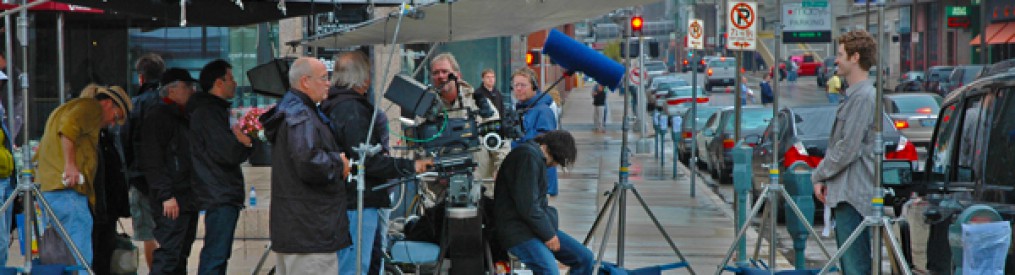
Customer interviews are one of the highest-leverage assets in your marketing mix. Done well, they accelerate deal cycles, arm sales with social proof, and de-risk decisions for skeptical buyers. Done poorly, they produce polite compliments that can’t be edited into anything persuasive. The difference isn’t luck—it’s structure: the way you prepare, the questions you ask, and how you sequence them.
Below is a field-tested playbook you can hand to your producer or internal team to capture candid, brand-safe interviews that convert.
The Proven Story Arc
Every interview should naturally walk through six beats:
- Who I am (credibility)
- What problem we had (stakes)
- Why we chose this vendor (differentiation)
- What the experience was like (trust in execution)
- What results we got (evidence)
- What I’d tell a peer (advocacy)
Your questions are simply prompts that help a real customer tell that story in their own words.
The 40-Question Bank
Use these as modular prompts. Ask one idea per question. After a strong answer, leave a beat of silence—people often add the best detail after the pause.
A) Establish Credibility (5)
- Please state your name, title, and what success looks like in your role.
- What does your organization do and whom do you serve?
- Which metrics are you directly responsible for (revenue, cost, quality, safety, time-to-value)?
- Where were you in your growth or change cycle when you engaged us?
- What made this initiative a priority right now?






B) Make the “Before” Real (7)
- What was happening before we worked together—what wasn’t working?
- What had you tried already, and why didn’t it stick?
- Who felt the pain the most (customers, staff, leadership), and how specifically?
- What risks were you carrying (brand, compliance, operational, financial)?
- What was the cost of doing nothing for another quarter?
- How urgent did this feel on a scale of 1–10—and why?
- If you could summarize the old state in one sentence, what would it be?
C) Why You Chose Us (6)
- What criteria were on your shortlist when you evaluated partners?
- Which alternatives did you compare, and what tipped the decision?
- What concerns or objections did you have, and how were they addressed?
- What did our proposal or discovery process reveal that others missed?
- How did our approach reduce risk for you or your team?
- In one line: the deciding factor was ___.
D) Experience & Execution (8)
- What was kickoff like from your side—clear next steps, owners, timelines?
- Describe our communication style (cadence, transparency, escalation).
- Tell me about a curveball and how the team handled it.
- Where did we save you time, budget, or internal coordination?
- How did the on-site production feel for your people (minimal disruption, safety, approvals)?
- What quality controls did you notice (sound, lighting, continuity, compliance)?
- What, if anything, surprised you—in a good way?
- If you were advising a peer, how should they prepare to get the most value?
E) Outcomes & Evidence (8)
- What changed first—what early win told you this was working?
- Can you quantify results (conversion, leads, cycle time, training completion, incident rate, NPS, brand lift)?
- Which impact mattered most to leadership—and why?
- What did your customers or end users notice?
- How does this compare to previous vendors or internal attempts?
- What outcome alone would have justified the investment?
- If this solution disappeared tomorrow, what would break?
- What’s the headline you’d put on this case study?
F) Advocacy & Future (6)
- What would you tell a CFO who’s skeptical about ROI?
- What would you tell a compliance or legal lead about risk management?
- Would you recommend us to a peer—why?
- What should a new client know on day one?
- Where do you want to take this next (expansion, more teams, more use cases)?
- Finish this: “Working with St Louis Video Production Crews is like ___.”
Sequencing That Protects Energy and Truth
- Start easy. Open with roles and goals before discussing pain and risk.
- Raise the stakes intentionally. Move from the “before” to decision drivers, then execution, then outcomes.
- Harvest soundbites last. After trust builds, ask for concise, repeatable lines for captions and thumbnails.
On-Camera Coaching (Without Scripted Answers)
- Answer with context. “Before we partnered with St Louis Video Production Crews, we…”
- Plain language. No acronyms without translation; subtitles need to stand alone.
- Present tense for energy. “This reduces errors by…”
- Eyes and posture. Shoulders down, chin level, breathe; a neutral stance reads as confident.
- Wardrobe guidance. Avoid tight patterns or loud branding you can’t clear; bring a backup.





Production Notes That Elevate Perceived Quality
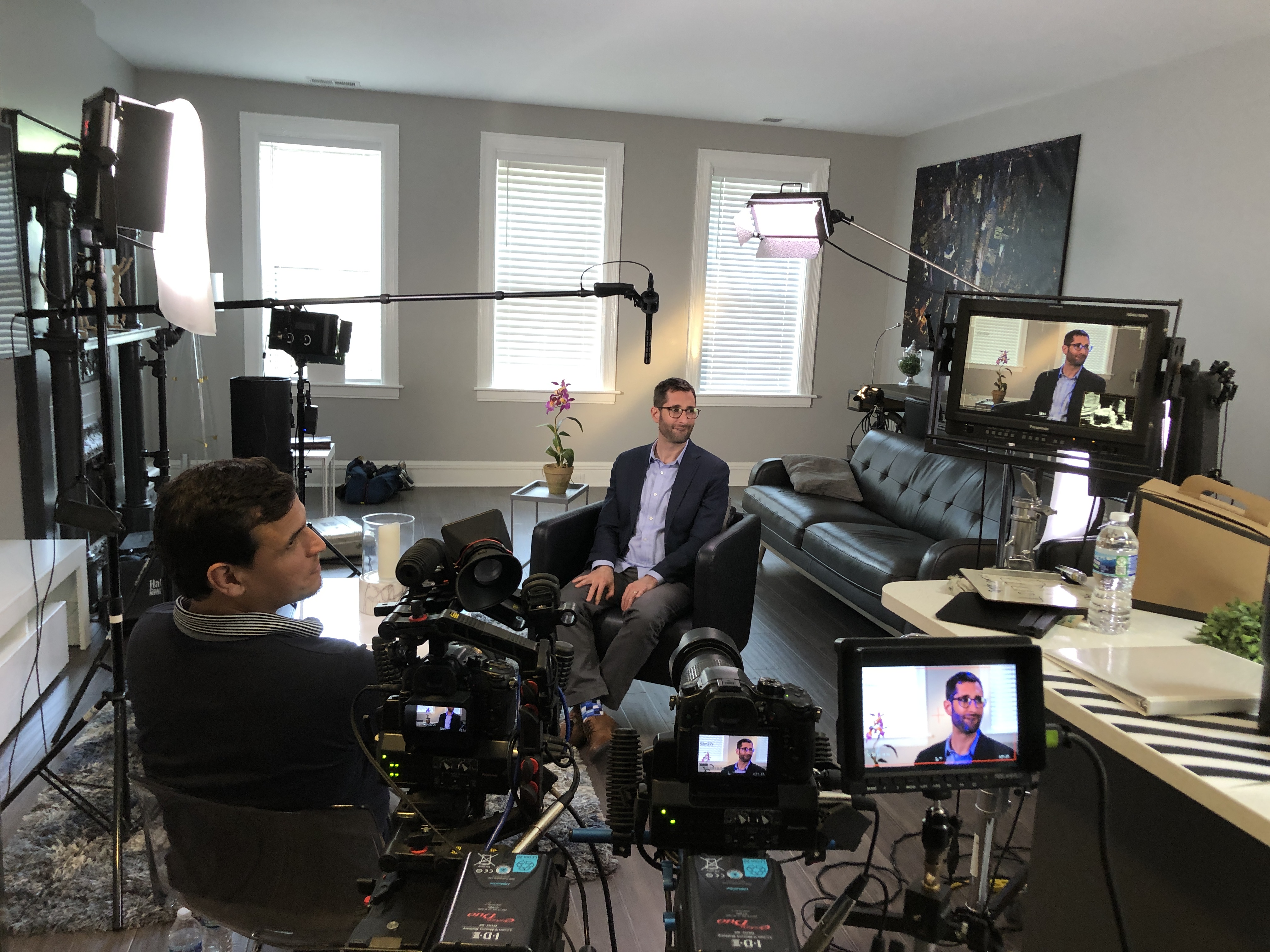
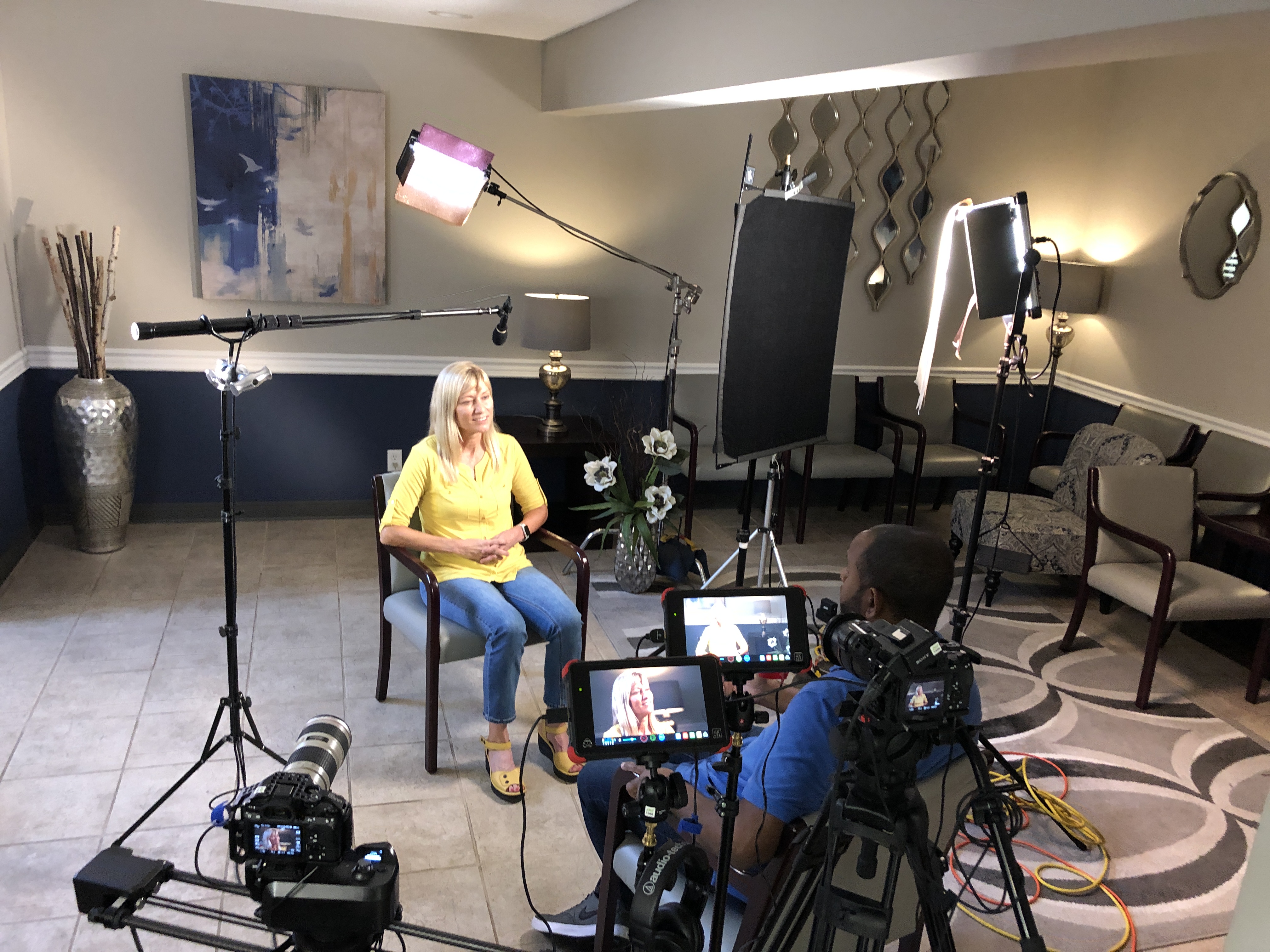
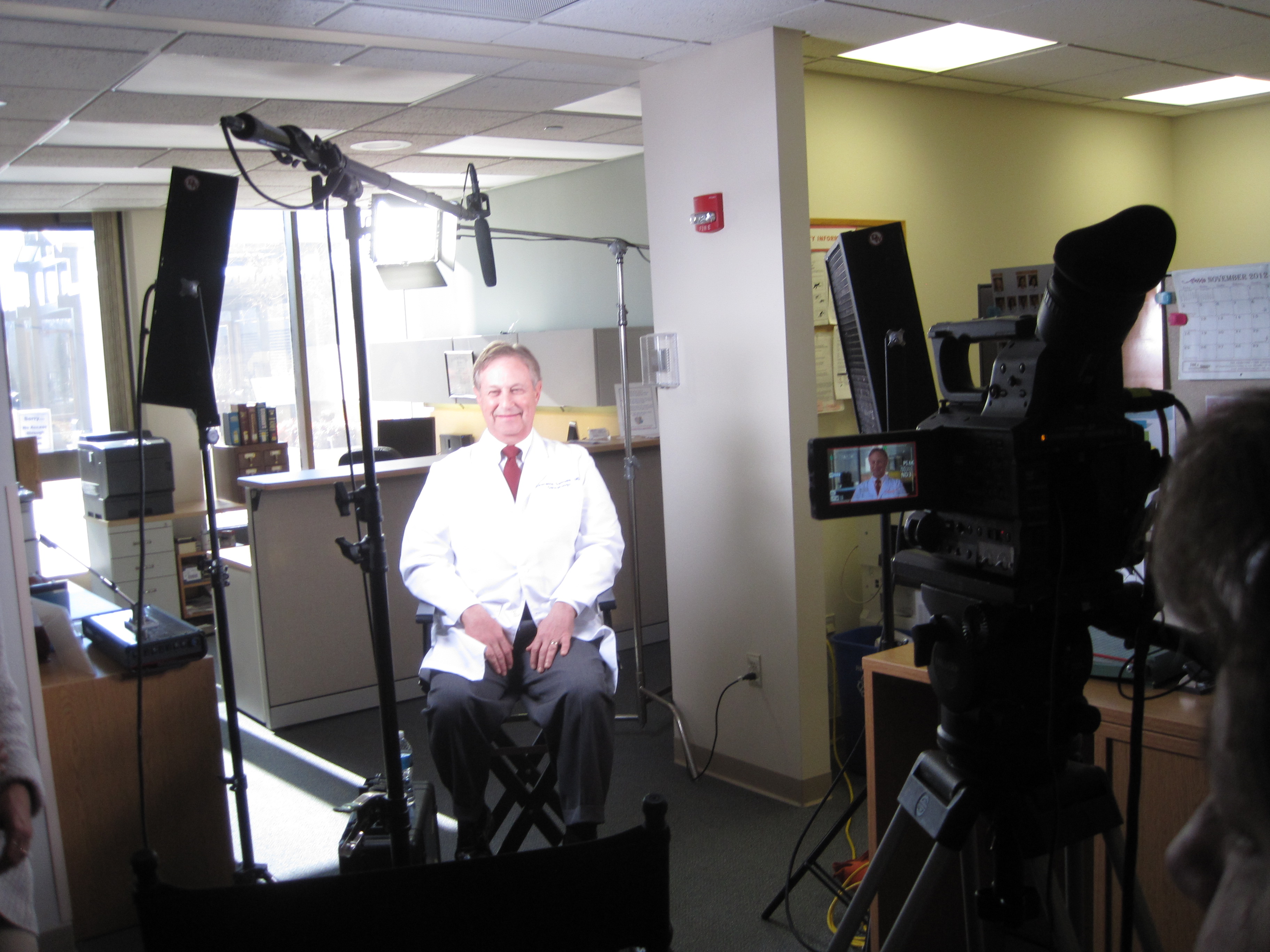
- Audio is non-negotiable. Dual-system sound (lav + boom), check levels every setup, capture room tone.
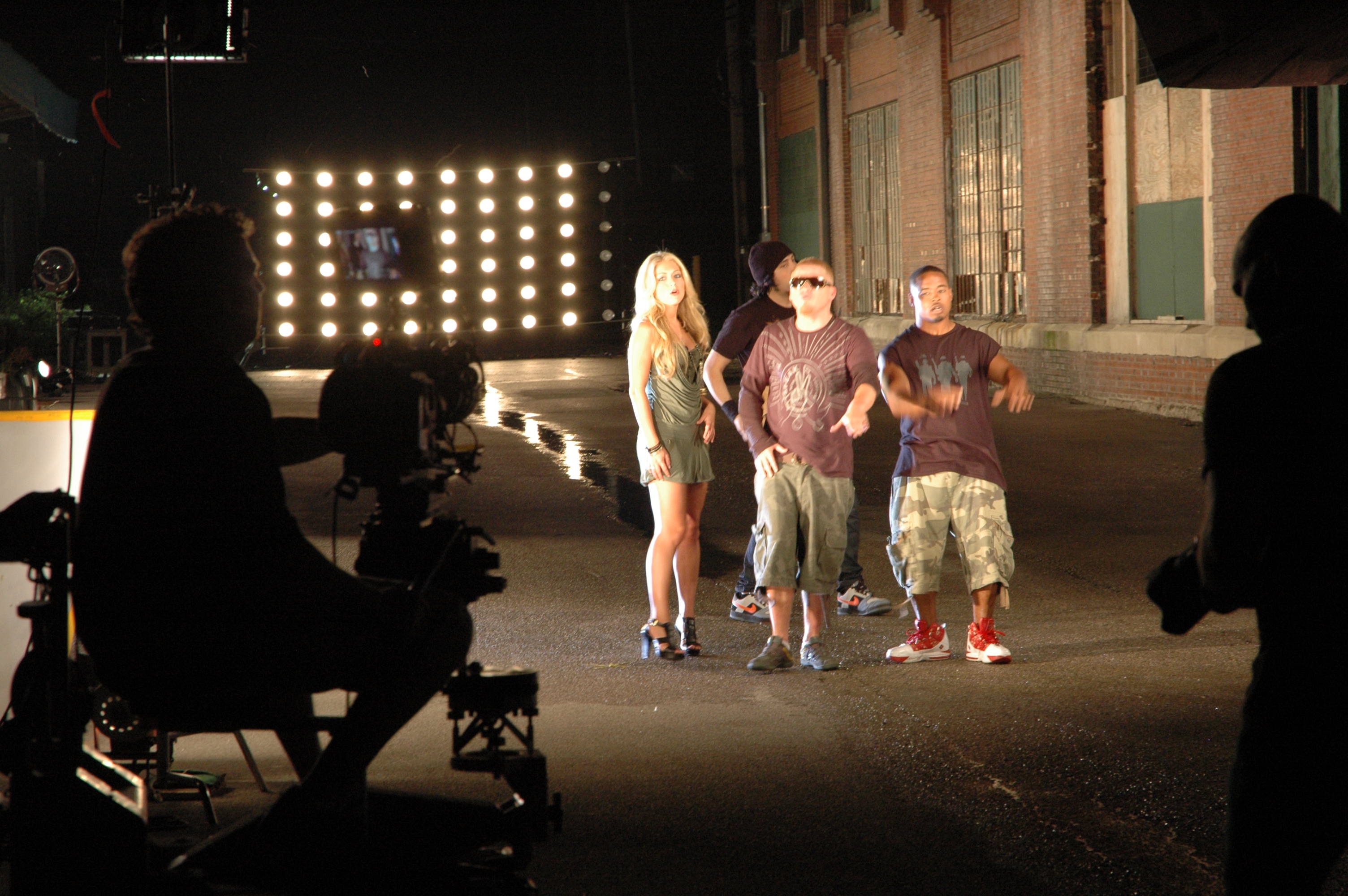
- Lighting that flatters. Key/fill/rim for separation; add negative fill to sculpt; let practicals glow in the background for depth.
- Backgrounds with meaning. Choose environments that say something about the work; remove distracting logos you can’t clear.
- Motion for context. Use dolly moves or—when appropriate—fly specialized drones indoors to create dynamic establishing shots safely.
- B-roll in layers. Wide (environment), medium (process), tight (hands, screens, details), reaction (faces).
- Continuity notes. Keep a quick log for pull-quotes and cutaway matches.
AI-Accelerated Post (Speed Without Spin)
Use AI to remove friction—not authenticity:
- Transcription & paper edits to build a tight narrative fast.
- Smart cleanup (silences, filler words, gentle noise reduction) to preserve voice.
- Brand-matched captions & color for accessibility and consistency.
- Cutdown automation to output 15/30/60/120-second versions and square/vertical crops.
- Provenance & permissions. Maintain releases, usage rights, and change logs; disclose any generative elements when used (e.g., background extensions).
Distribution: Make the Asset Do Real Work
- Website: Place on product/pricing pages and case-study hubs; include text transcript for SEO.
- Sales enablement: Deliver a version with burned-in captions and a time-coded summary of key claims.
- Lifecycle marketing: Slot 30–45 second cuts into nurture streams and renewal campaigns.
- Paid & social: Hook in the first 2–3 seconds; strong thumbnail with a quote; end card with single CTA.
- Events & PR: 10–15 second punch quotes for booths, analyst briefings, award entries.
- Measure: Track plays, completion, assisted conversions, meeting-set rate, and influenced pipeline; refresh annually or at KPI plateau.
Compliance, Legal, and Brand Safety
- Collect appearance releases for every person on camera; confirm location permissions.
- Clear or remove third-party marks, dashboards, and confidential content.
- Use licensed music/fonts; maintain cue sheets.
- For regulated industries, align scripts and final cuts with compliance review; keep audit trails.
Field Templates
Interviewee Brief (send 48–72 hours prior)
- Purpose of interview and audience
- What success looks like (1–2 outcomes)
- Wardrobe & grooming tips
- Location, timing, parking/security
- What to expect on set (lav mic, approximate time, who’s present)
- Releases attached for e-signature
Producer’s Run-of-Show (45–60 minutes)
- 10 min: greet, releases, mic, room tone
- 20 min: sections A–C (credibility → decision drivers)
- 15 min: sections D–E (execution → outcomes)
- 5 min: sections F + soundbites
- 10–20 min: layered b-roll capture on site
Deliverables Menu
- 1× master (2–4 min), 1× captioned version
- 3–5× cutdowns (15/30/60/120 sec), vertical + square crops
- Thumbnail kit (3 options with quote overlays)
- Transcript (cleaned) + key claims with timestamps
- Still frames for web and sales decks
Quick Checklist (printable)
- Story arc drafted and approved
- Interviewee briefed; wardrobe/location set
- Question set tailored to role and industry
- Releases signed; compliance path confirmed
- Dual-system audio; lighting plan; continuity log
- B-roll shot list completed
- AI-assisted captions, color, QC pass
- Cutdowns and aspect ratios delivered
- Distribution plan with KPIs in place
About St Louis Video Production Crews
St Louis Video Production Crews is a full-service professional commercial photography and video production company with the right equipment and creative crew service experience for successful image acquisition. We offer full-service studio and location video and photography, as well as editing, post-production and licensed drone pilots. St Louis Video Production Crews can customize your productions for diverse types of media requirements. Repurposing your photography and video branding to gain more traction is another specialty. We are well-versed in all file types and styles of media and accompanying software. We use the latest in Artificial Intelligence for all our media services. Our private studio lighting and visual setup is perfect for small productions and interview scenes, and our studio is large enough to incorporate props to round out your set. We support every aspect of your production—from setting up a private, custom interview studio to supplying professional sound and camera operators, as well as providing the right equipment—ensuring your next video production is seamless and successful. We can fly our specialized drones indoors. As a full-service video and photography production corporation, since 1982, St Louis Video Production Crews has worked with many businesses, marketing firms and creative agencies in the St. Louis area for their marketing photography and video. If you’re ready to turn customer conversations into measurable proof, we’re ready to roll.

 St Louis Video Production Crews