How to Get Professional-Quality Videos on a Small Business Budget

Identify Your Goals

Before shooting your small business’ professional-quality video, plan it out! Define your objectives and goals. This will guide you in deciding what type of video to make, what content to include and what equipment you need. Applying the right strategy can help you get a great-looking video at a reasonable cost.

Here are the steps that can help you get there.

Storyboarding is key for creating top-notch videos with a tight budget.

Set a budget

It is key to make a budget before creative decisions, as every project needs one. Estimate the cost of production, equipment rental and post-production. This will keep your project within scope and budget without compromising quality.

Factors to consider for your budget:

  • Type of video content: Live action or animation?
  • Production needs: Specialized equipment or crew?
  • Post-production services: Editing and sound mixing options.
  • Marketing services: Ads, website fees.

These factors can help you find the best fit video content for your small business budget.

Determine the purpose of the video

What do you want to achieve with your video? Introduce a product? Promote a service? Showcase a tutorial? Make sure your goals are realistic and match your budget. Start with achievable goals, then grow.

What kind of visuals will best convey your message? Animated graphics? Footage? Think about this before any filming or editing.

Will this be a one-time project or part of an ongoing marketing campaign? A long-term plan helps consistency and strengthens the message. Knowing the cost beforehand helps with budget decisions. Avoid surprises later.

Find the Right Video Production Company

Discovering the ideal video production company to collaborate with can unlock the door to achieving professional-grade videos at a small business cost. It requires research, since there are numerous video production companies to select from, which provide different services and prices.

By spending time understanding the diverse services, you can pinpoint the right one for you.

Research video production companies

Researching video production companies is essential before signing a contract. Check out their past projects and portfolio on their website. Ask for references or referrals from past clients to get honest feedback about the company. Discover their expertise or specializations that could be useful for your project.

Confirm the video production company’s pricing, delivery schedule, and any other questions you may have. Make sure to read any terms and conditions related to delivery, payment, copyrights, or changes requests. Invest time in learning more about your potential partner to ensure the project is done according to spec, within an agreed upon budget and timeframe.

Ask for quotes

Ask for a quote from a video production company before you commit. Include the cost of quality equipment, scriptwriting and editing services, graphics design, studio space and additional features. Make sure you are clear about the kind of video you need.

Compare prices and don’t forget to consider reputation and customer service. This can make all the difference when it comes to professional quality videos on a small budget.

Check references

Before you sign a contract, ask the video production company for references from current or past customers. They might not give out names, but they can tell you what projects they’ve done. Also, check their website for customer testimonials. See how long they’ve been in business. Look at their videos. Are the testimonials positive? If yes, they’re a great pick.

Online reviews and feedback from people who have used the company are great too. Do your research so you can pick the right video production company. They’ll create amazing videos that fit your budget.

Create a Storyboard

Storyboarding is key for creating top-notch videos with a tight budget. It assists you in planning the entire video from beginning to end. This makes using your resources simpler and more productive. Plus, it gives you the opportunity to be imaginative with your concepts.

In this section, we’ll explore the process for making a storyboard. And, how it can help you create videos that look like a pro made them.

Brainstorm ideas

Before creating your storyboard, brainstorm ideas to portray your message. Who are you targeting? What action should they take after watching? Make a list of potential scenarios and shots. Like any good script, begin with an introduction that grabs attention.

Map out scenes to move the narrative until a logical conclusion. Visual effects and voice-overs can add interest or provide extra info.

Even if you have a limited budget and small team, an effective video is possible with planning and creativity! Write down ideas as they come. There are no wrong answers. Use sound storytelling principles and visuals tailored to your target audience. You can take advantage of video marketing power without breaking the bank.

Develop a script

Before you start filming, create a script. It’ll provide a guide and keep things consistent. Consider these points: the main message, important info, target audience, and tone.

Set up the script with dialogue, visuals, music, and sound. Narrative scripts need context without too much info or leaving out details. Storyboarding helps visualize and plan scenes. Transitions between scenes can add special effects and music. Find tracks before scripting so words match the melody.

Leave room for improvisation during filming. Be open-minded when reading lines during rehearsal; it could lead to major improvements!

Create a storyboard

Creating a storyboard is a must for making professional-quality videos within a small business budget. It’s a written guide of what you want to say and how you will say it. This will give your video an organized look, feel, and message that makes it professional.

Start by writing down ideas for the story before breaking it down into shots. Use arrows or lines to mark each sequence transition. Then, draw out what each scene looks like and what is happening. For example, draw characters talking if there’s dialogue, and draw any physical action like running or dancing.

Write down notes about which roles are needed for each part, the emphasis on close-ups and wide shots, which camera angles would be best, and any extra expenses like props.

By following these steps, you can create amazing visuals and improve the quality of your videos without breaking the bank!

Pre-Production

Pre-production is essential for making any video! It means planning and getting ready for the video. This includes scripting, drawing storyboards, choosing actors, searching for a place to film, and organizing the schedule.

Pre-production is a key factor in the success of a video. So, plan and budget properly in this stage.

Secure any necessary permits

Secure any permits before you begin production. This could save time and hassle. You might need various types of permits, for example, film permits, location permits, music licenses and security certificates. Research local regulations that may affect when you can film. This includes noise ordinances and workmen’s compensation policies, if needed.

For more complicated projects, it’s useful to hire an experienced producer or line producer. They can help with the paperwork and file for any permits. Each permit must include insurance coverage for you and your crew in case of any issues during filming.

Gather props and actors

Before you shoot, consider the visuals. You may not need many props, but you should get the ones you do need. This could include posters or other visuals related to your video. If you’re using actors, pick them before shooting and arrange for makeup and wardrobe. You can find actors locally or use services like casting networks. Make sure you trust their performance before booking.

Plan everything in advance of the shoot: script, shots, timeline for each scene, camera movements, and lighting setups. This will help the shoot go smoothly and limit retakes.

Prepare a shooting schedule

Before you start, draft a script & shot list. This makes the planning process easier. Calculate how much time you have at each location, and don’t forget to add travel costs.

Prioritize essential shots that are needed for the story, over optional extras. Rehearse with actors, if required. Take notes on what works best. Make sure everyone knows their call time, so production runs smoothly.

You may not have time to shoot everything in one session. That’s ok! Make sure nothing urgent is left undone, so production won’t take longer than necessary.

Production

Creating a video? The production stage is key. It covers all the work done before shoot day. Planning, scheduling and budgeting? Got to do it.

With a small budget, it’s vital to get the best quality result. Here are some tips and tricks to get professional-quality videos on a small business budget.

Set up the equipment

Setting up equipment is vital for filming your own videos. Think about what type of gear you need based on the size of your project. If you’re limited by a budget, get the must-haves like cameras and mics. Prioritize the costs that could make a creative difference, such as lenses if you’re shooting high quality vids. Necessary equipment includes: a camera, lens, microphone, audio recorder, tripod and lights (if indoors).

Also consider software. Buy or rent editing software that has features to meet your vision, depending on your budget and complexity.

When filming, use best practices to capture footage. Check that everything is set up correctly on location before shooting. Make sure there is enough light and sound levels are good, so dialogue recordings are audible when editing. And avoid compilation shots, unless they serve a purpose. This will cut down post-production time by eliminating redundant footage during movie assembly in editing.

Shoot the footage

Quality footage is essential for great videos. When shooting on-location, think about lighting, sound, and composition. If you’re in a studio or at home, use tricks and tools to set up the space.

When planning shots, consider angles and camera movements. Close-ups, wide shots, over-the-shoulder shots, and tracking shots can build tension or highlight elements. If using multiple cameras, make sure all necessary footage is captured.

Professional cameras require extra equipment like audio mics and lenses. Shop around for good deals on equipment rentals.

Monitor the audio

For a great video, audio should be top priority. Poor sound ruins even the most expensive cameras and lighting. Here’s how to make sure your final product sounds just as good as it looks:

-Always use a professional mic. Boom mics work well but lavaliers have their place too.

-Listen on headphones or a speaker as you record. Ensure levels don’t distort with normal speaking volume.

-If possible, record on two devices. This way if one fails, you have a backup.

-Bring on sound technicians for professional optimization and techniques like EQ and compression.

-And always remix and balance sound in post-production. This includes ambient sound, speaking parts, music, and any special cues.

Post-Production

Post-production is the last step in video creation. Editing the footage, adding music and graphics, plus checking the technical lighting and audio quality are all part of the procedure. To achieve professional-quality videos, both pre- and post-production pieces are necessary.

Small businesses can use post-production to get the most out of their video project, for a small price. To learn more about post-production and how to create stunning videos with a limited budget, read on!

Edit the footage

Editing and post-production are essential to making professional-grade videos on a budget. Editing is arranging the raw footage and audio gathered during production so it can be changed and put together in imaginative ways to tell a story.

Software is important for editing, but there are also special technical skills needed for post-production. These include:

  • Sorting through raw material and deciding which components to use for editing – this may involve taking out unwanted pieces or moving clips around for better narrative.
  • Making visual elements (such as text) with either downloadable templates or specific software packages like After Effects.
  • Joining clips, altering timing, and changing video formats.
  • Adjusting volumes, adding sound effects, inserting voiceovers or music.
  • Developing unique palettes while also fixing contrast problems in shots.
  • Developing transitions, motions/animations to give viewers a more dynamic experience.

Add graphics and music

Graphics and music can elevate the quality of your videos. Simple titles and lower thirds to complex infographics, logos and text animations can give your content a unique look. Music adds emotion that natural audio cannot.

You can get royalty-free music for as cheap as $8 per track. Adobe Spark and Biteable are services for creating visuals without needing design experience. Hire a designer or animator for custom projects. Motion graphics packages start around $200-$400. If you’re in a budget, pre-made templates and stock motion graphics libraries are cost-effective options to take your productions up a notch.

Export the finished video

Finished with post-production? Time to export that video! Exporting compresses the file to a size and format that can be shared easily. It creates digital files optimized for different devices, like TVs, computers, smartphones, and tablets.

When exporting, choose a file format. *.mp4 is good for iOS devices, but it depends on usage. Resolution and bitrate also matter. 720p resolution (1280×720) is good for normal display devices, but 4K TVs need 1080p (1920×1080) or 4K (3840×2160).

Once all settings are chosen, export the file. Check it carefully before uploading!

Explaining how an explainer video is created.

A Guide to Making an Explainer Video – Step by Step Instructions!

Example of an explainer video.

‍Explainer videos are an effective and creative way to share information about your business or product. They can be used to explain complex topics or processes in a short amount of time, making them great for marketing and educational purposes. Whether it’s a product demonstration or an explainer on a particular topic, explainer videos can be a fun and engaging way to communicate with your audience. With this guide, you’ll learn the basics of how to create an explainer video, step by step. We’ll discuss what components to include, how to make an effective storyboard, and tips for creating high-quality visuals. With the right approach and tools, you can create an explainer video that will captivate your audience and help you get your message across clearly and effectively. So let’s get started!

What is an explainer video?

An explainer video is a short video (1 – 3 minutes) that explains a specific topic or process. It’s a creative way to share information about your business or product. They are often animated videos that are used to explain complex topics or processes in a short amount of time, making them great for marketing and educational purposes. They can be used to explain any topic – from how to use a product or service to explaining the benefits of a product or service. Explainer videos are great for a variety of business uses. They can be used to introduce your business, explain what you do, demonstrate your products and/or services, or provide information about your company culture. They can also be used to re-engage existing customers or act as a call-to-action to drive new sales.

Benefits of an explainer video

They capture attention from your target audience. – They help you explain complex topics. – They allow you to re-engage existing customers. – They can be used for both B2B and B2C marketing. – They can educate current and potential customers about your products. – They can increase brand awareness. – They can drive more sales.

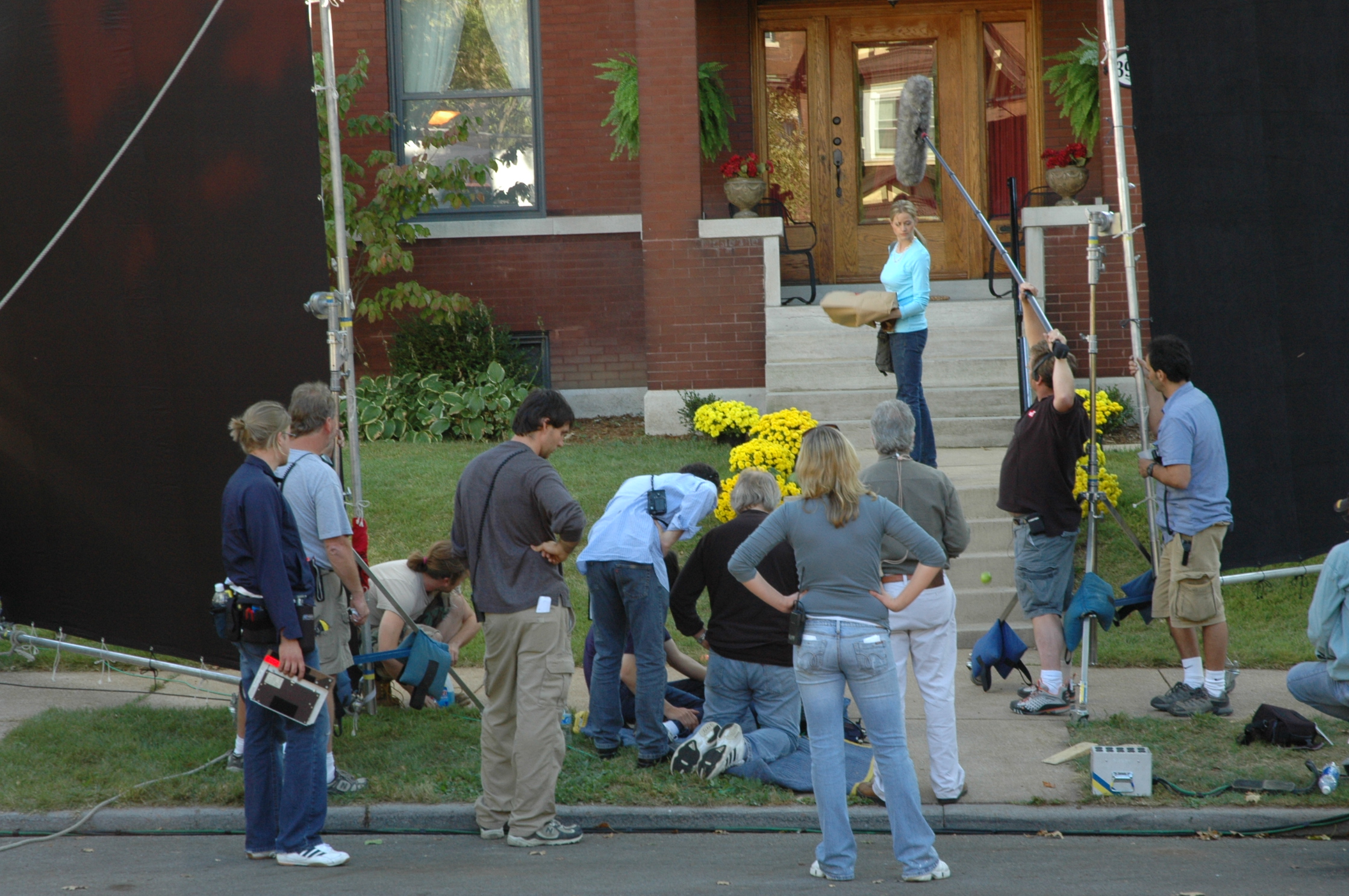
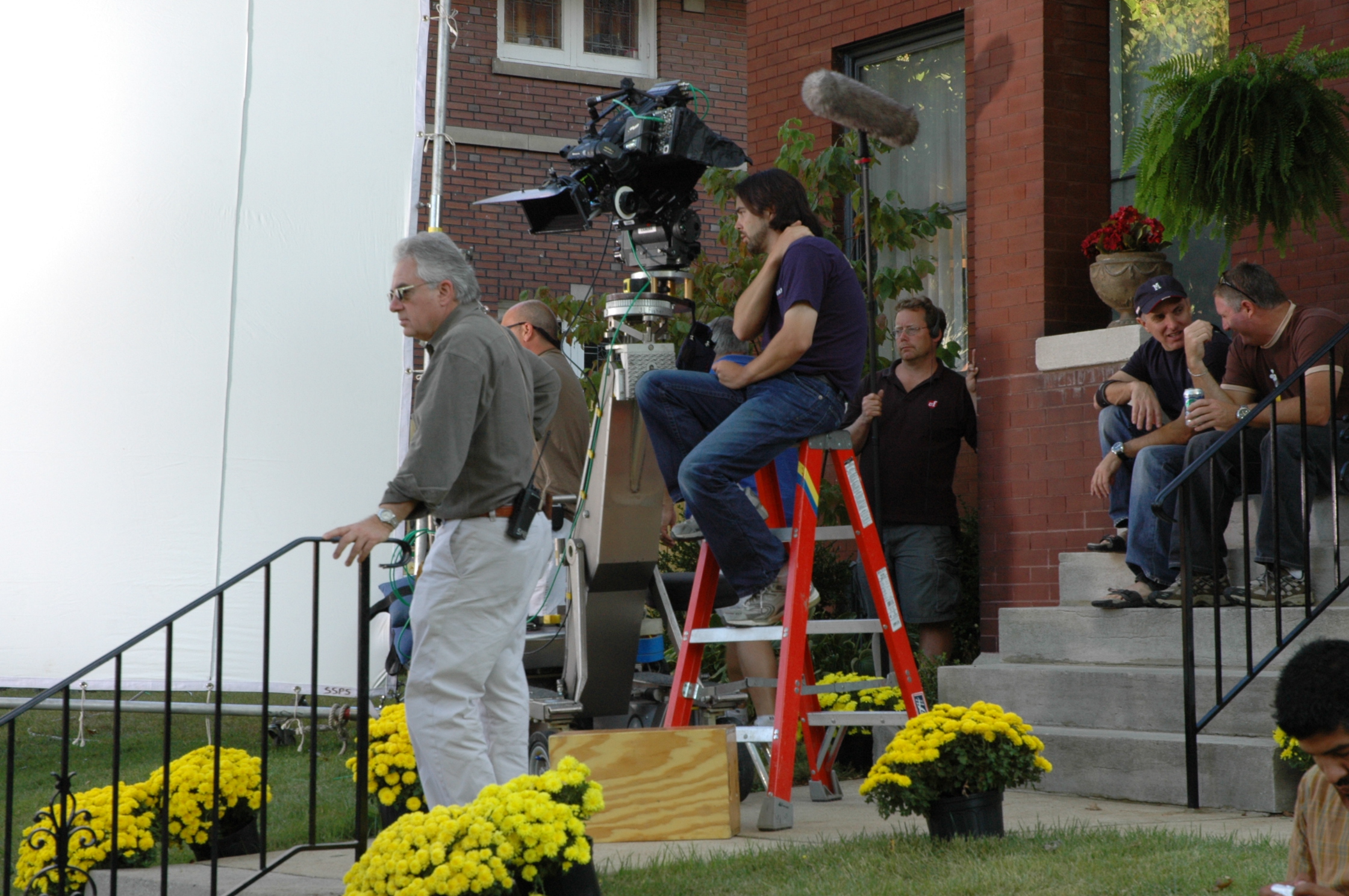
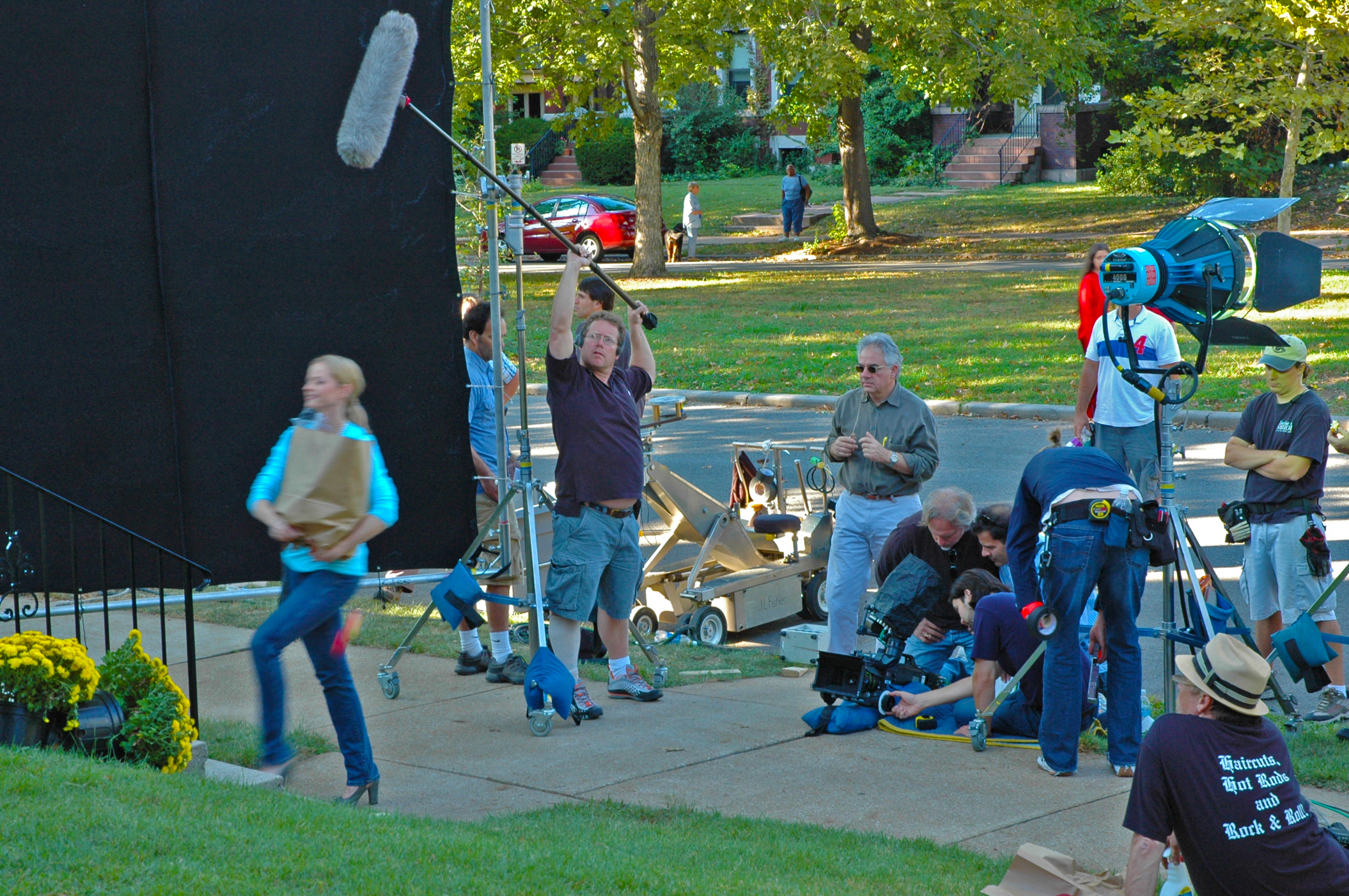
St Louis Video Production Crews shooting an explainer video

Components of an explainer video

A clear goal and target audience – Before you start creating your video, you need to know who you’re creating it for. You need to know what your goal is with the video and who it is you’re trying to reach. You need to be able to convey a clear message to your audience and make sure they understand how your product or service can benefit them. – A compelling story – Your story needs to be compelling and interesting. If a person spends 10 seconds watching your video, they should be able to understand what your product or service is and how it can benefit them. – Intriguing visuals – Your visuals should be intriguing and attention-getting. It’s important that your visuals complement your story and help explain your message. Visuals can include screenshots, animations, illustrations, and video. – Brand consistency – Your video should align with your brand’s messaging, tone, and personality. Make sure that your video is consistent with other visuals and content on your website and social media channels. – Effective sound design – Make sure that the sound design of your video is effective. It should complement your video and make it more engaging. – A call-to-action – Make sure that your video ends with a call-to-action. This could be an invitation to subscribe to your mailing list, download a related resource, or purchase a product.

Tools for creating an explainer video

There are a variety of tools you can use to create an explainer video. You can create your video using software like Adobe Premiere Pro (for Mac users), or Final Cut Pro (for Mac users). You can also use tools like Animoto or Wibbly to create an animated video. Alternatively, you can use tools like Explaindio or Voices.com to create an audio-only video. With the right tools, creating an explainer video can be a fun and engaging process. You can create a storyboard, create visuals and animations, and add audio to create a well-rounded video. You can also edit your video to make it more compelling. Keep in mind that creating an explainer video can be a time-consuming process, but it’s worth the effort. It’s an engaging and creative way to communicate with your audience and share information about your product or service.

Tips for creating a successful explainer video

– Create a storyboard – Create a storyboard for your video. This will help you plan out your video and organize your content into a cohesive video. It will help you stay on track and avoid getting lost in the details. – Keep it short – Ensure that your video is short and concise. Don’t try to add too much information or it will become overwhelming. Your video should be short and sweet, providing just the right amount of information. – Keep your visuals consistent – Your visuals should be consistent with your brand’s messaging. They should align with your brand’s message and personality and complement your video. – Record audio – You should record audio for your video if possible. While you can use pre-recorded audio, recording your own audio will add an authentic feel to your video.

Explainer video services

There are a variety of companies that provide video services for businesses. These companies can help you create an explainer video for your business. These companies will work with you to create a video that aligns with your brand and business goals. You can also hire freelance video specialists to create an explainer video for your business. If you’re just getting started with creating an explainer video, you can follow this guide to make sure that your video is as effective as possible. With the right tools, your video can be engaging, effective, and educational. This guide will help you understand the basics of creating an explainer video and provide you with tips to make your video successful. With the right video, you can share information about your business and drive more sales with less effort. So what are you waiting for? Let’s get started!

314-913-5626
Mike Haller, St Louis Video Crew Chief
videocrewsstlouis@gmail.com

How to Write a Script for Your Video Production

You’ve got an idea for a video production, but how do you turn that into a script? Whether you’re intending to produce an informative video or something more lighthearted and comedic, the process for writing a script is the same. A script is essentially a detailed plan of what will happen in your video and when – it’s not as scary as it sounds! Once you understand the basics, creating a script for your video is easy.

Determine the length of your script

The very first thing you need to do when creating a script is decide how long you want your video to be. If you’re creating a video for your business, you may have certain goals or outcomes you want from the video in mind, in which case you’ll need to create a video of a certain length. If you’re creating a video for fun, you may want to create a video that’s of a certain length to fit with a popular video challenge like the ASMR challenge. It’s important to know the length of your script before you begin writing so you don’t get halfway through and realize you’re trying to fit too much into too little time!

Write a Script Outline

Script brainstorming session

Once you know how long your script should be, you can begin to draft an outline of your script. There are lots of different ways to write a script outline, but the basics of all of them are the same. – Start with your introduction – What will you say to introduce your video? Your introduction should include any necessary backstory and set the scene for the video. – What is the main point of your video? What do you want your audience to walk away with? Put this at the center of your script outline. – What are your goals for the video? What do you want your audience to do or understand after watching your video? – What are the sub-points you want to include in your video? These should relate back to the main point of your video. – Is there anything else you want to cover in the video? You may have a few extra points you want to emphasize or you may want to add some humor.

Decide on Your Video’s Purpose

Once you’ve written an outline of your script, you can start to think about the purpose of your video. What do you want your viewers to take away from your video? Some videos are meant to inform, while others are meant to entertain. If you’re creating an informative video, you may want to create a how-to video, create a list, or create a product review. If you’re creating an entertaining video, you have lots of options, including creating comedy, creating a parlor trick, making a music video, or creating an ASMR video. The choice is yours and it’s important to choose a purpose before you write your script as it will affect what you write and how you write it.

Add any narration or voice-over

Voice over narration for a video script

Once you’ve got your script written and you know where you want to film, you can start to think about any narration or voice-over you want in your script. If your video is intended to be informative, you may want to include some narration in your script to help break up the content. If your video is intended to be entertaining, you may want to include a voice-over. The voice-over is essentially the same as narration but is usually done in a more comedic or lighthearted way. If you’re creating a comedy skit, you may want to include some voice-over in your script.

314-913-5626
Mike Haller, St Louis Video Crew Chief
videocrewsstlouis@gmail.com

ENG / EFP Camera Crews in St. Louis

Our full-service video production company can handle all aspects of your business or organization’s video production needs. We work with Fortune 500 companies, small businesses and non-profit organizations to create high-quality corporate videos and branded content.

We specialize in script writing, camera operations, location scouting, voice over composition, talent searching, filming, and post-production.

St. Louis video production crews

Our video crew combines our passion for storytelling and love of production to create compelling content to engage and motivate your audience.

314-913-5626
Mike Haller, St Louis Video Crew Chief
videocrewsstlouis@gmail.com

Video production crews and support in Saint Louis.

We are a full-service video production company located St Louis, Missouri. Since 1982 we’ve worked with a variety of businesses from startups to tier one supplier’s producing product and service videos, commercials, marketing and sales videos, company overviews, case study videos and corporate communications. We create with businesses of all sizes to create effective video solutions that help meet your objectives.

Our production crews have st. louis and you covered
From live streaming and red carpet event coverage, to documentaries and cutting-edge commercials, our Gateway City creative teams are up to the challenge. If you can imagine it, our St. Louis video production crews can capture your imagination.

A successful video starts before we ever hit record. It’s all about pre-production, which we call the story development process. This means clearly defining the purpose, selecting engaging people, filming in relevant locations, and building a plot structure that keeps the audience’s attention to the very end.

Whether it’s a website video, corporate training, documentary, commercial, music video, or short film, we can create it. We scale our productions to your needs, so you get the best video for your working budget.

314-913-5626
Mike Haller, St Louis Video Crew Chief
videocrewsstlouis@gmail.com

Medical Video Production by Video Crews St Louis | Patient Testimonials

Experienced, Creative Video Production Crews in St Louis.
Video Crews St Louis is a seasoned team of national award winning television photographers.
We are the trusted TV professionals you’d work with regularly
if you were based here in St Louis and the Midwest region of Southern Illinois.

Since 1982 we’ve forged enduring, dependable relationships with top freelancers
and regional production resources, enabling us to work in any crew configuration,
with state-of the-art television production equipment.

We film for some of the largest companies in the world, delivering the highest level of production quality and creativity every time. Whether you need to shoot a corporate, conference, medical or red carpet video our crews have the experience to handle any project.

We’re experienced at collaborating with ad agencies and producers on tight schedules and challenging budgets.

Medical Video Productions by Video Crews St Louis. Videotaping in the operating room by our trained experienced videographers.

Our video production crews are an extension of your staff, assisting you with coordinating equipment, call times and any of the dozens of other tasks that go into making a location production go smoothly. We focus on the details so that you can focus on your production.

Business to Business Videos

Interviews

Music Videos

Live Event Filming

Time Lapse Videos

Real Estate Videos

Interviews

Short Form Direct Response

Social Media Viral Videos

How-to Videos

Testimonial Videos

Exercise Videos

Infomercials

Corporate/Athletic/Educational Training Videos

Short Films

Documentaries

Surgical Coverage


314-913-5626
Mike Haller, St Louis Video Crew Chief
videocrewsstlouis@gmail.com

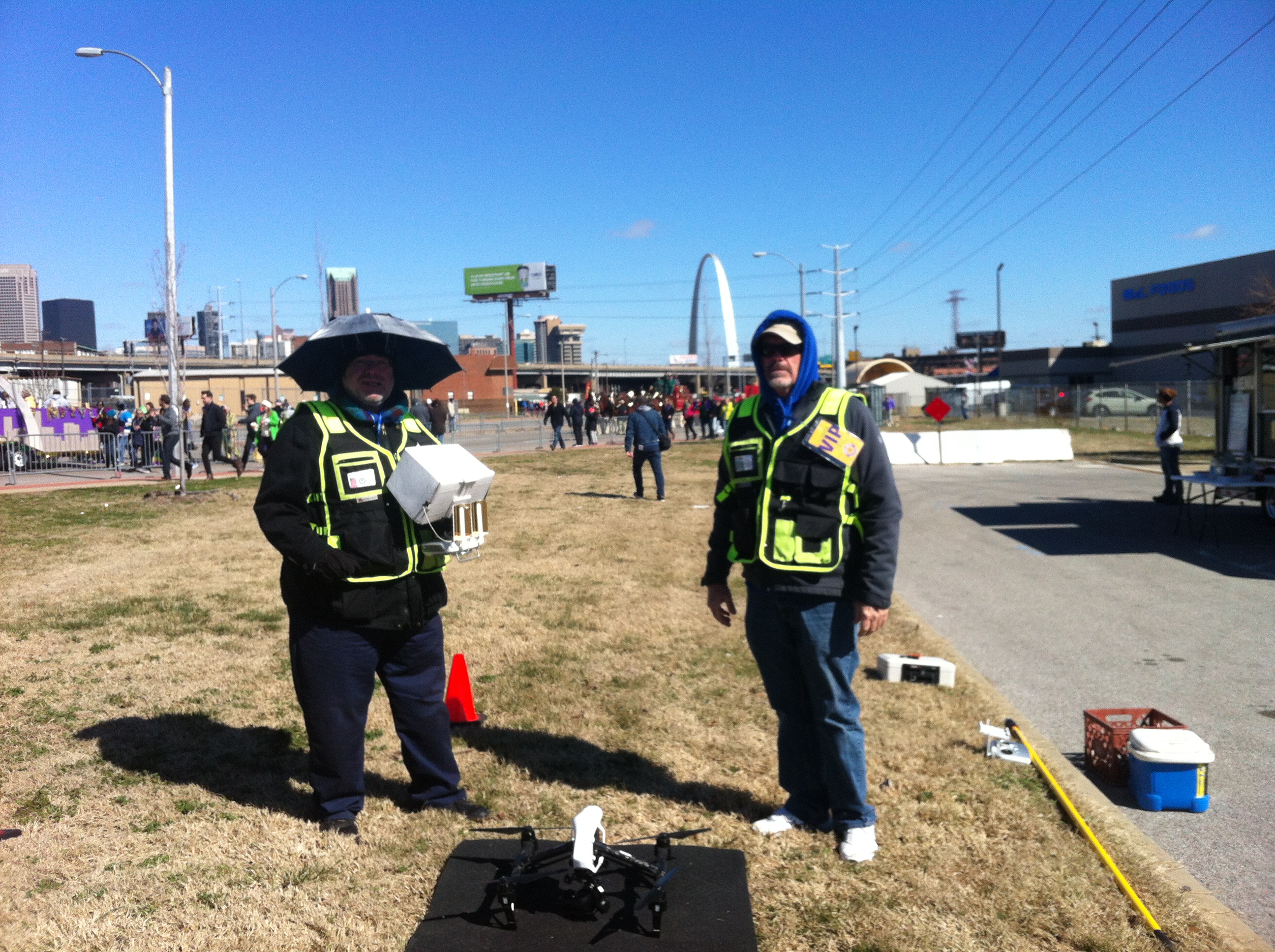
St Louis Corporate film | Valhalla Avenue of Flags Drone Video

We are a video and film production company that provides national-quality content at affordable rates. Our award-winning video production camera crew has many years experience producing television commercials, infomercials, corporate videos, marketing and promotional videos, training films, viral videos, live events and documentaries. Our video production studio is full of the very latest cutting-edge high-definition digital cinema cameras, lenses, lighting, grip and sound recording equipment. We are passionate about creating content that not only looks fantastic, but delivers persuasive results.

Live Event Streaming and Taping St Louis Video Crews.

Live Event Streaming and Taping St Louis Video Crews.

We believe the perfect video is a combination of creative storytelling, excellent technical quality, and messaging that creates positive business outcomes for our clients. We don’t just want to make you an amazing video. We want to make you an amazing video that makes you and your company look great.

314-892-1233
Robert Haller, St Louis Video Producer
St Louis Video Production Companies
videocrewsstlouis@gmail.com


Video Crews St Louis Missouri | Full Service Production and Post

The Perfect Video Crew For Your Production

Whether you need to create a corporate training video, pick up B-roll footage of a new facility opening, capture client testimonials, shoot a medical procedure, or cover a live event, we will match you with the perfect local video crew for your project.

dsc_0068

314-892-1233
Robert Haller, St Louis Video Producer
St Louis Video Production Companies
videocrewsstlouis@gmail.com